You might not realize that not all Honda models come equipped with remote start, and compatibility often depends on your vehicle’s year and trim. Before attempting to activate this feature, you’ll need to verify your specific model’s capability, typically by checking the owner’s manual or using your VIN with a dealer.
Once confirmed, the process involves precise steps either through your key fob or the HondaLink app. Each method requires attention to safety and functionality that you’ll want to understand fully.
Key Takeaways
- Press the lock button on the key fob, then immediately press and hold the remote start button (circular arrow) for about two seconds.
- Ensure the vehicle is locked, within range, and parked in a safe, ventilated area before remote starting.
- Use the HondaLink app by registering your VIN, selecting remote start, and monitoring engine status remotely.
- Extend or cancel remote start time via the key fob or HondaLink app within allowed duration limits.
- Follow safety guidelines by avoiding remote starts in enclosed spaces and confirming vehicle security before leaving.
How To Know If Your Honda Has Remote Start
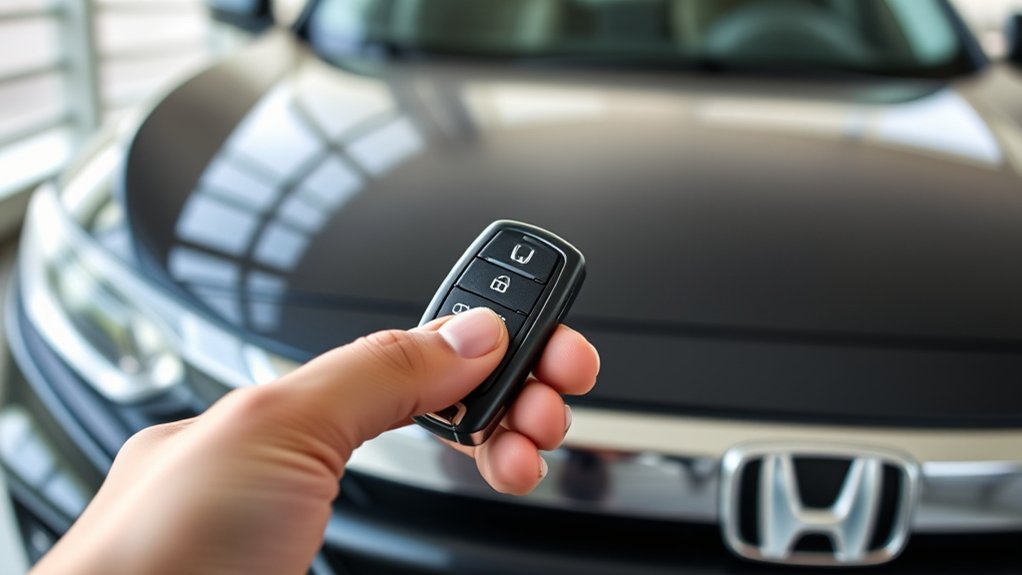
How can you determine if your Honda is equipped with remote start? First, check your vehicle’s key fob for a remote start button, typically marked with a circular arrow icon. If absent, consult the owner’s manual under two word ideas like “remote start.” This section provides specific information about your model’s features.
You can also inspect the dashboard for an unrelated topic indicator, such as an engine start symbol that lights up when the ignition is remotely activated. Additionally, access your Honda’s infotainment system or settings menu to verify remote start availability.
If you still can’t confirm, contact a Honda dealer with your vehicle identification number (VIN) for precise verification. Avoid assuming based on appearance alone, as some features may be optional or dealer-installed.
How To Remote Start Your Honda With The Key Fob
To remote start your Honda using the key fob, you need to understand the specific button functions involved. Typically, you’ll press the lock button followed by the remote start button within a few seconds.
Follow these steps carefully to ensure the engine starts remotely and your vehicle is secure.
Key Fob Button Functions
Which buttons on your Honda key fob control the remote start function? Primarily, you’ll use the lock button and the remote start button, often marked with a circular arrow.
To initiate the remote start, press the lock button once to secure your vehicle, then press and hold the remote start button for a few seconds. This sequence ensures your Honda’s systems, including engine and climate control, activate remotely.
Note that the remote start will disengage immediately if emergency braking is detected once you enter the vehicle. Also, remember that remote start doesn’t affect maintenance alerts like tire rotation reminders.
Understanding these key fob button functions helps you operate your Honda efficiently and safely without confusion or accidental system overrides.
Step-by-Step Remote Start
When do you want to start your Honda remotely? Begin by ensuring your vehicle is locked and within range. Press the lock button on your key fob once to activate security.
Next, immediately press and hold the remote start button, usually marked with a circular arrow, for about two seconds until the lights flash, signaling the engine has started. Follow remote etiquette by avoiding remote starts in enclosed spaces or near pedestrians. This ensures safety and respects others around you.
Monitor the vehicle’s response; if the engine doesn’t start, repeat the process or check the battery. Remote start optimizes weather readiness by pre-conditioning your Honda’s interior before driving.
How To Extend Or Cancel Your Honda Remote Start Session
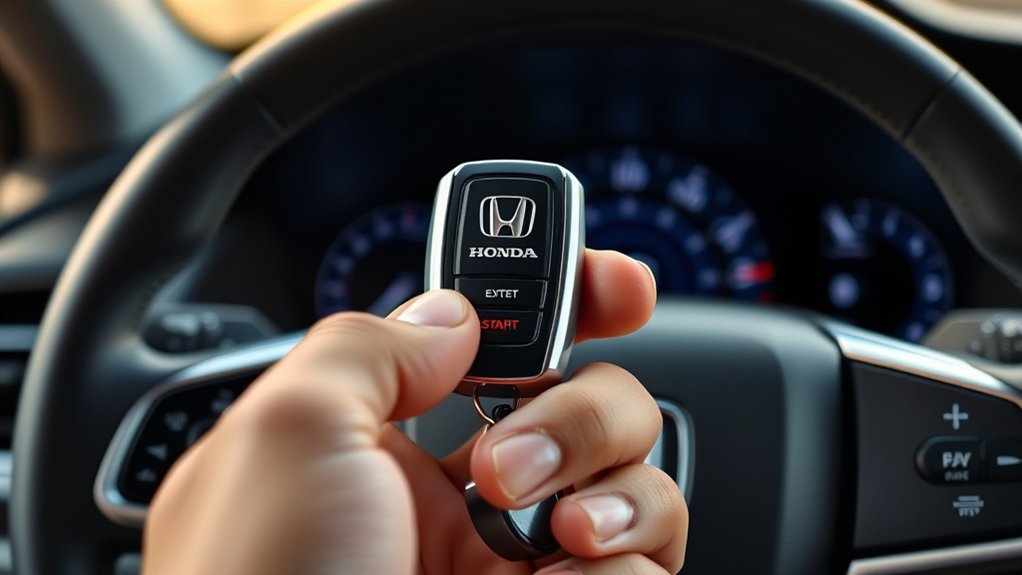
You can extend your Honda’s remote start session by pressing the remote start button again within the active time window. To cancel the session, simply press the lock button on the key fob or enter the vehicle.
Use these controls efficiently to maintain battery life and guarantee your vehicle is ready when you need it.
Extending Remote Start Time
How can you extend or cancel your Honda remote start session efficiently? To extend the remote start time, you must understand remote limitations and address privacy concerns. Follow these steps to adjust your session duration:
- Access your vehicle’s infotainment or remote start app settings to locate the remote start timer control.
- Select the desired extension period, typically available in increments (e.g., 5 or 10 minutes), ensuring you comply with factory limitations.
- Confirm the extension by pressing the corresponding button or command on your remote or app interface.
Be aware that some Honda models enforce a maximum remote start duration to prevent battery drain or security breaches. Always consider privacy concerns by limiting remote access to trusted users only. This approach balances convenience with system safeguards.
Canceling Remote Start Session
Why might you need to cancel a remote start session on your Honda? Perhaps your travel planning changed, or you want to reduce unnecessary noise caused by the engine running. To cancel the session, press and hold the remote start button on your key fob for about two seconds until the vehicle’s lights flash, signaling the engine has shut off.
Alternatively, unlocking the doors with your key fob also cancels the remote start. Canceling promptly prevents excessive fuel use and unnecessary engine noise. Make sure to cancel before entering the vehicle to avoid confusion.
Tips For Efficient Use
Canceling a remote start session is just one aspect of managing your Honda’s remote start system effectively. To optimize use and ensure safety, follow these tips:
- Extend sessions cautiously: Only prolong the remote start if necessary, ensuring your vehicle remains in a safe, well-ventilated area to maintain Parking safety.
- Practice remote etiquette: Avoid excessive or unnecessary remote starts, which can drain the battery or disturb neighbors. Use the system considerately.
- Cancel promptly: If you need to enter the vehicle or adjust settings, cancel the session immediately to prevent unintended fuel use or emissions.
Remote Start Features And Compatibility By Honda Model
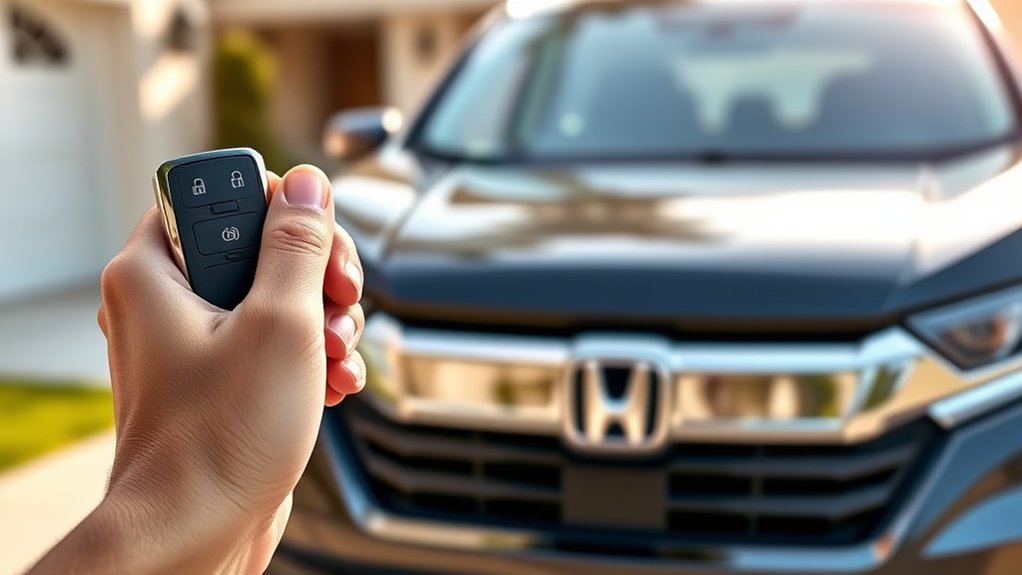
Which Honda models support remote start, and what features do they offer? Remote start availability varies by model and trim, so avoid mixing unrelated topics or irrelevant concepts when researching.
Generally, recent Honda models like the Civic, CR-V, Accord, and Pilot offer remote start through either a key fob or the HondaLink app, but the latter is covered separately.
| Model | Remote Start Feature |
|---|---|
| Civic | Key fob remote start |
| CR-V | Key fob and HondaLink app start |
| Accord | Key fob remote start |
| Pilot | HondaLink app remote start |
Ensure your vehicle is equipped with the needed hardware for remote start. Check your owner’s manual or dealer for compatibility specifics.
How To Remote Start Your Honda Using The HondaLink App
Wondering how to remotely start your Honda using the HondaLink app? Follow these steps to ensure smooth remote accessibility while maintaining proper car etiquette.
- Download and Register: Install the HondaLink app on your smartphone and register your vehicle by entering the VIN. This step activates remote accessibility features.
- Access Remote Start: Open the app, navigate to the remote start option, and initiate the engine start command. Ensure your vehicle is parked in a safe, ventilated area to respect car etiquette and local regulations.
- Monitor and Control: Use the app to monitor the vehicle’s status and remotely stop the engine if needed. Always confirm the vehicle is secure before leaving it unattended.
How To Customize Your Honda’s Remote Start Settings
How can you tailor your Honda’s remote start system to better suit your preferences and needs? Begin by accessing the HondaLink app or your vehicle’s infotainment settings. Within the remote start menu, you can adjust parameters such as run time duration, climate control activation, and automatic engine shutoff.
Make sure you avoid navigating to unrelated topic menus to prevent confusion or off topic discussion that may disrupt your customization process. Set the system to maintain interior temperature by enabling or disabling the climate control feature, and select the desired engine run time, typically ranging from 10 to 30 minutes.
Save your settings to apply changes immediately. By following these steps, you optimize remote start functionality precisely, enhancing convenience without engaging in unrelated topic or off topic discussion within the system interface.
How To Troubleshoot Common Honda Remote Start Issues
If your Honda remote start isn’t working, first check the remote battery and replace it if necessary. Next, identify any signal interference sources that could block the connection between the remote and your vehicle.
Finally, perform a system reset following the manufacturer’s instructions to restore functionality.
Remote Battery Replacement
When your Honda remote start stops responding, one of the first components to check is the remote’s battery. A depleted or weak remote battery often causes signal failure, impacting key fob durability and overall functionality.
To replace the battery:
- Locate the small release button on your key fob’s back and carefully open the casing without damaging internal components.
- Remove the old battery, usually a CR2032, noting its orientation, then insert the new remote battery matching polarity.
- Snap the casing back together firmly to ensure a secure seal and test the remote start function.
Regular battery replacement maintains optimal key fob durability and prevents unexpected failures. Always use high-quality batteries to support consistent signal transmission and reliable remote start performance.
Signal Interference Causes
Why does your Honda remote start sometimes fail despite a fresh battery? Signal interference is often the culprit. Your remote communicates via radio frequency, which can be blocked or disrupted by nearby electronic devices, metal structures, or even strong Wi-Fi signals.
When troubleshooting, avoid getting distracted by irrelevant topic discussions like battery health or system resets, which are off topic at this stage. Focus on identifying external sources of interference: move closer to your vehicle, away from potential electronic noise, and test again.
If interference persists, check for environmental factors such as dense urban areas or parking garages that degrade the signal. Understanding and eliminating signal interference helps you ensure reliable remote starts without veering into off topic discussion or irrelevant topic distractions.
System Reset Procedures
A system reset often resolves common Honda remote start issues by restoring default settings and clearing temporary glitches. To perform a reset, follow these steps carefully:
- Disconnect the Battery: Remove the negative terminal to cut power, wait 10 minutes, then reconnect. This clears system memory and resets remote diagnostics.
- Use the Key Fob: Press and hold the lock button for 5 seconds, then press the remote start button twice. This sequence reinitializes the remote start system.
- Check Battery Maintenance: Ensure both the vehicle and key fob batteries are fully charged and in good condition, as low power can interfere with remote start functions.
How To Use Honda Remote Start Safely In Cold And Hot Weather
How can you guarantee your Honda’s remote start functions at their best in extreme temperatures? First, understand the weather impact on the system: cold weather may cause delayed ignition due to thickened fluids, while excessive heat can affect electronic components.
Always allow the engine to run for several minutes after remote starting in cold weather to ensure proper warming and prevent damage. In hot weather, use remote start to cool the cabin but avoid prolonged idling to reduce wear.
Next, consider security implications: never leave your vehicle unattended for long periods after remote start, as extreme temperatures can tempt theft or vandalism. Always lock doors manually after remote starting, and ensure your Honda’s remote start system settings comply with local regulations to avoid safety risks.
Battery Tips To Keep Your Honda Remote Start Ready
When should you check your Honda’s battery to guarantee the remote start system performs reliably? Regular inspections every 3 to 6 months help maintain battery efficiency and prevent unexpected failures. Follow these steps:
Check your Honda’s battery every 3 to 6 months to ensure reliable remote start performance.
- Visual Inspection: Look for corrosion on terminals and ensure cables are secure. Corrosion can impede sensor calibration necessary for remote start functionality.
- Voltage Test: Use a multimeter to verify the battery voltage is above 12.4 volts when the car is off. Lower voltage indicates reduced battery efficiency and may affect system responsiveness.
- Sensor Calibration Check: Confirm that sensor connections related to the remote start are intact and properly calibrated. Faulty sensors can prevent remote start activation.
Routine battery maintenance ensures your Honda’s remote start system operates without interruption.
When To Contact Honda Support For Remote Start Help
Why might you need to contact Honda support for remote start issues? If your remote start system fails to activate despite a fully charged battery and correct usage, it’s time to seek expert help.
Persistent connectivity problems, error codes on the display, or malfunctioning fob buttons require professional diagnosis. When contacting Honda, practice dealership etiquette by scheduling an appointment and providing specific details about the issue, including any recent remote maintenance performed.
Avoid repeated visits by preparing relevant vehicle information and error symptoms beforehand. Honda support can guide you through troubleshooting steps or recommend authorized service centers for repairs.
Frequently Asked Questions
Can Remote Start Increase My Honda’s Fuel Consumption?
Yes, remote fuel effects can slightly increase fuel consumption since engine idle permissions keep the engine running without driving. To minimize this, limit idle time and use remote start only when necessary to reduce fuel waste.
Does Using Remote Start Affect My Car Warranty?
Using remote start generally doesn’t void your warranty, but you should confirm if aftermarket systems comply with your Honda’s warranty terms.
Also, check remote start legality in your area to avoid potential legal or warranty issues.
Are There Any Security Risks With Honda Remote Start?
You might worry about remote start security, but Honda uses encrypted signals to minimize wireless vulnerability.
Still, always keep your key fob secure and update your vehicle’s software to protect against potential hacking attempts effectively.
Can I Use Remote Start if My Honda Is Parked on a Slope?
You can use remote start on a slope, but prioritize remote start safety by ensuring your Honda’s parking brake is engaged and the transmission’s in park.
Slope parking considerations prevent unintended vehicle movement during remote start activation.
Is Remote Start Available for All Honda Trim Levels?
You won’t find remote start available on all Honda trim levels. Remote start limitations depend on your vehicle’s trim level availability, so check your specific model’s features to confirm if remote start is included or requires an upgrade.
Conclusion
Remote starting your Honda is like lighting a beacon before a journey—precise steps ensure your vehicle is ready, safe, and responsive. By mastering your key fob or HondaLink app, you control comfort and convenience with confidence.
Remember, proper use and maintenance keep this signal strong, guiding you through cold mornings or hot afternoons. When in doubt, reach out to Honda support to keep your remote start system reliable, just like a trusted compass on every drive.
To enjoy these benefits fully, always follow the recommended procedures for remote starting your Honda. This way, you ensure a smooth experience every time you use the remote start feature.