You might not realize that programming a Honda key fob isn’t just about syncing the remote—it requires a precise sequence of steps involving your vehicle’s ignition and door settings. Programming a Honda key fob correctly is essential for ensuring your remote functions properly.
Skipping or mistiming any part can prevent successful programming. Understanding how to enter the programming mode and properly sync each fob ensures your remotes work reliably.
Before you start, it’s essential to prepare both your vehicle and fobs correctly to avoid common pitfalls. Following the right procedure makes the process smoother and more effective.
Key Takeaways
- Ensure all doors are closed, ignition is off, and vehicle battery is fully charged before starting the programming process.
- Insert the key into the ignition, cycle it off and on 2–4 times, ending in the On position to enter programming mode.
- Press and hold the lock button on the first key fob until the car locks cycle, then repeat for additional fobs within 10 seconds.
- Exit programming mode by turning the ignition off, then test each key fob by locking and unlocking the vehicle.
- If programming fails, reset the key fob by removing the battery, pressing a button for 30 seconds, reinserting it, then reprogram.
Tools and Conditions Required Before Programming Your Honda Key Fob
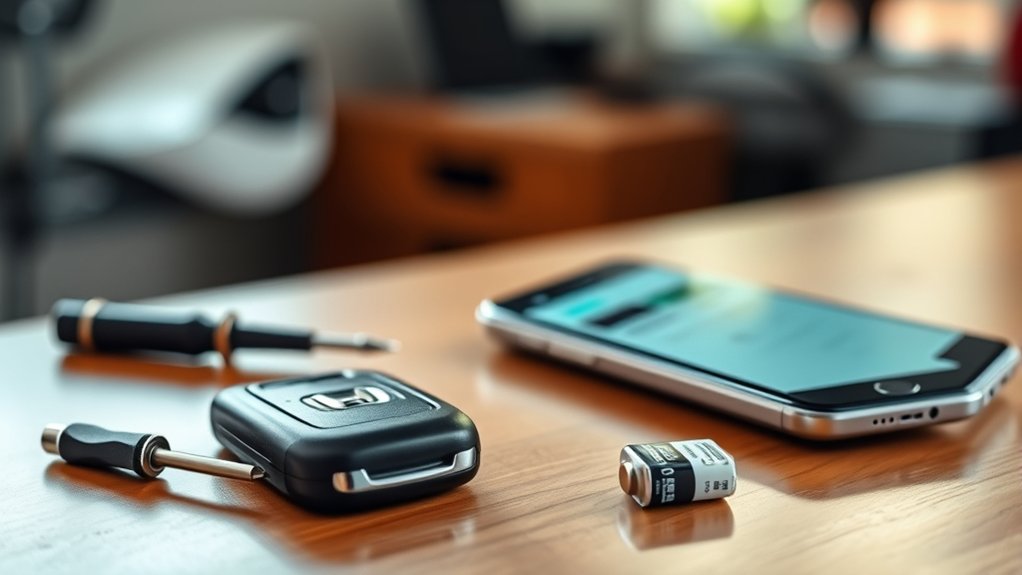
What tools do you need before programming your Honda key fob? Start with a fully charged key fob battery to ensure proper signal transmission. You’ll also need your vehicle’s ignition key and access to the driver’s seat, as the process requires entering and exiting the car.
Having a stable power source for your vehicle, like a fully charged car battery, is essential to avoid interruptions. You won’t require specialized diagnostic tools, but familiarity with automotive basics, such as key fob functionality and ignition systems, helps.
Ensure your vehicle is parked in a secure, flat area with the doors closed to prevent interference. These practical preparations align with home maintenance principles, emphasizing readiness and safety before any technical task.
With these conditions met, you’re set to program your Honda key fob efficiently.
How to Enter Honda Key Fob Programming Mode
How do you initiate the programming mode on your Honda key fob? First, ensure all doors are closed and the ignition is off. Insert the key into the ignition and turn it to the “On” position without starting the engine.
Then, cycle the ignition off and on several times, usually between two to four times, ending in the “On” position. You’ll hear a chime or see the locks cycle, indicating entry into programming mode.
Avoid mixing unrelated topics or ideas during this process to prevent confusion. Focus solely on the steps, as deviating can cause errors or lock you out of programming mode.
Once in programming mode, you’re ready to move on, but don’t proceed until you confirm the system has entered this mode successfully.
Programming Your Honda Key Fob Step-by-Step
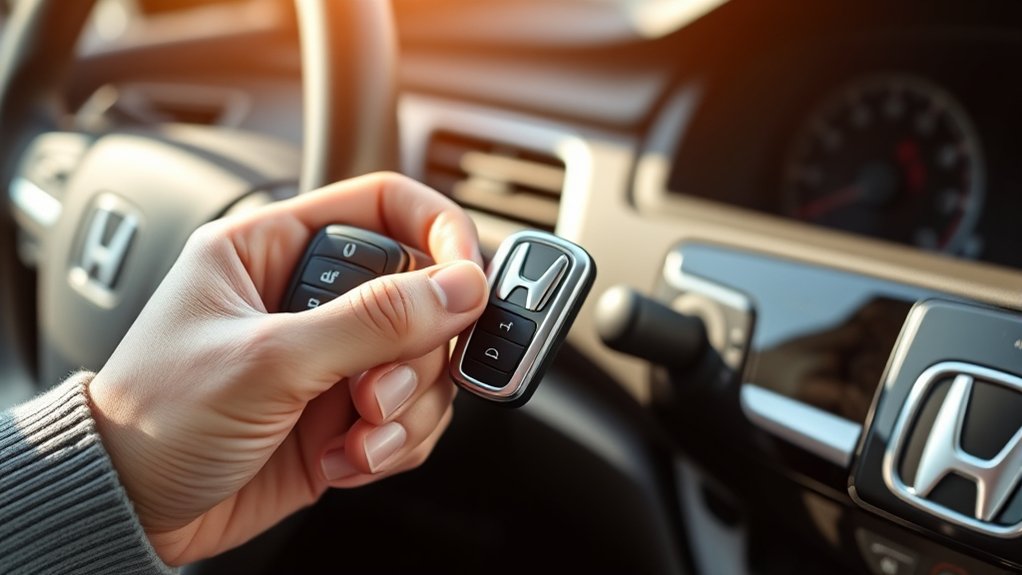
After confirming your Honda has entered programming mode, you can begin syncing your key fob. Start by pressing the lock button on the key fob; hold it for a few seconds until the car’s locks cycle, signaling successful programming.
If you have multiple fobs, repeat this step for each one within the programming window. Once all fobs are synced, exit programming mode by turning the ignition off.
Test each key fob by locking and unlocking the doors to ensure proper functionality. Treat this process like vacation planning, methodical and step-driven to avoid errors.
While it’s not creative writing, this structured approach guarantees success. Following these steps precisely ensures your Honda key fob programs quickly, saving time and preventing frustration.
How to Troubleshoot Honda Key Fob Programming Issues
If your Honda key fob isn’t programming correctly, start by checking for common errors like incorrect steps or timing issues. Make sure the battery is fresh and the signal is strong to avoid communication problems.
If issues persist, try resetting the key fob to clear any glitches before reprogramming.
Common Programming Errors
Programming a Honda key fob can sometimes lead to errors that prevent successful synchronization with your vehicle. Avoid topic drift and unrelated debates by focusing strictly on these common issues: incorrect sequence input, timing errors, and failing to enter programming mode.
These errors disrupt the process, causing failed programming attempts.
| Error Type | Cause | Solution |
|---|---|---|
| Incorrect Sequence | Pressing wrong buttons | Follow exact button press order |
| Timing Errors | Delays between steps | Perform steps promptly |
| Programming Mode Fail | Not entering mode properly | Verify vehicle is in programming mode |
Battery and Signal Checks
How can you be sure your Honda key fob isn’t failing due to battery or signal issues? Start with a battery check. Replace the battery if it’s older than a year or shows low voltage. A weak battery is a common cause of programming failures.
Next, evaluate signal reliability by testing the fob’s range and consistency. Stand close to your vehicle and press the buttons. If the fob only works intermittently or at very short distances, signal interference or internal transmitter problems might be the culprit.
Avoid programming attempts until you confirm both battery health and signal strength are ideal. Ensuring a fresh battery and stable signal reliability eliminates these basic faults, streamlining the programming process and preventing unnecessary troubleshooting steps.
Resetting The Key Fob
Why isn’t your Honda key fob responding as expected despite fresh batteries and strong signals? You might be facing calibration challenges that require a reset. Start by removing the battery, pressing any button for 30 seconds, then reinserting the battery to clear residual charges.
Next, perform the key fob reprogramming sequence outlined in your owner’s manual to recalibrate communication with the vehicle’s system. If this doesn’t fix the issue, check for pending software updates at your dealership, as outdated firmware can disrupt key fob synchronization.
Programming a Honda Key Fob Without a Second Remote
Wondering if you can program a Honda key fob without having a second remote? The short answer is yes, but the process varies by model year and may require specific steps.
First, sit in your vehicle with all doors closed. Insert and remove the key from the ignition twice within five seconds. Then, insert the key and turn it to the “ON” position without starting the engine.
Press and hold the lock button on your key fob for one second, then release. Repeat pressing the lock button within 10 seconds to sync the fob.
Avoid unrelated topics or discussion ideas that deviate from this focus. If your model doesn’t support this method, consulting your owner’s manual or dealer is essential.
How to Add Multiple Key Fobs to Your Honda
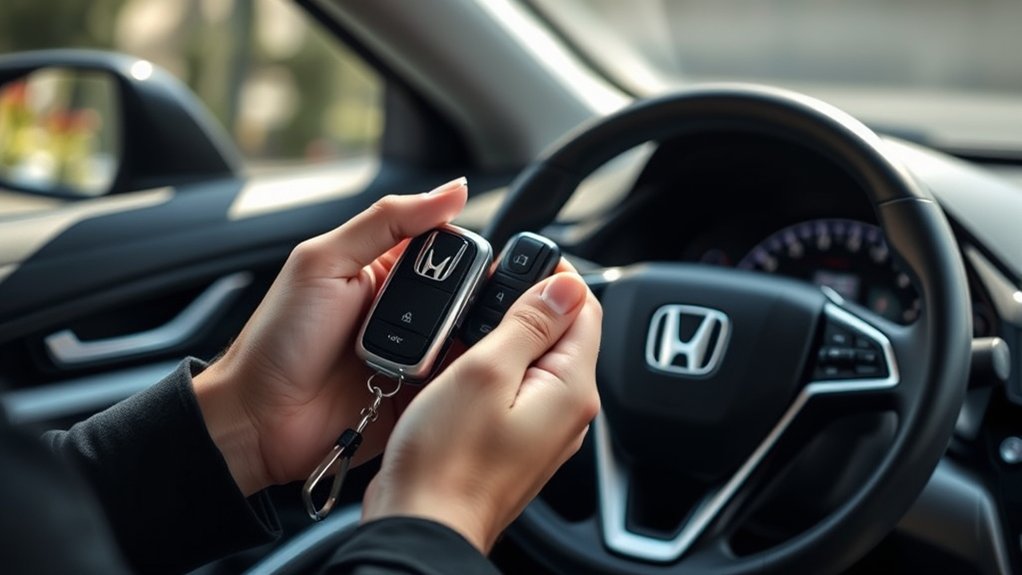
Adding multiple key fobs to your Honda lets you conveniently share access without compromising security. To program additional fobs, ensure all remotes are present during the process.
Use your ignition key to cycle through ON/OFF positions as instructed in the owner’s manual, then press the lock button on each fob within 10 seconds. This synchronizes them efficiently.
| Step | Action | Notes |
|---|---|---|
| 1 | Enter programming mode | Use ignition key |
| 2 | Press lock on first fob | Confirms programming start |
| 3 | Press lock on additional fobs | Complete within 10 seconds |
| 4 | Turn ignition OFF | Exit programming mode |
| 5 | Test all fobs | Verify bike safety & car access |
Applying these precise, stepwise “cooking techniques” ensures smooth programming and maintains key security.
How to Know When to Replace Your Honda Key Fob Battery
How can you tell if your Honda key fob battery needs replacing? First, notice if the fob’s range decreases or if it requires multiple presses to unlock or lock your vehicle. A dim or unlit indicator light on the fob is another clear sign.
If the key fob intermittently stops working, it’s time to act. Don’t confuse these issues with software glitches from romantic comedies or culinary mysteries you might enjoy; the problem is purely hardware-related.
To confirm, you can test the battery voltage with a multimeter, typically a CR2032 or CR2025 cell, and replace it when voltage drops below 2.5 volts. Regular battery replacement prevents programming loss and avoids inconvenient lockouts, ensuring your Honda key fob remains reliable and efficient.
How to Reset Your Honda Key Fob After Programming Fails
If your Honda key fob programming fails, resetting it can restore proper function without needing a new device. Start by removing the battery, press all buttons to discharge residual power, then reinstall the battery.
Next, use keyboard shortcuts on the fob: press and hold Lock and Unlock simultaneously for 15 seconds to initiate reset mode. Finally, reprogram the fob following travel tips like ensuring the vehicle is in park and doors are closed.
| Step | Action | Notes |
|---|---|---|
| 1 | Remove battery | Discharge residual power |
| 2 | Press all buttons | Clears stored signals |
| 3 | Reinstall battery | Prepare for reset |
| 4 | Use keyboard shortcuts | Hold Lock + Unlock 15 seconds |
| 5 | Reprogram fob | Follow vehicle-specific steps |
Frequently Asked Questions
Can I Program a Honda Key Fob for Any Model Year?
You can’t program a Honda key fob for any model year universally. Idea1 compatibility varies, requiring twoword procedures based on year and model.
Always check your vehicle’s manual for specific twoword programming instructions and tools.
Are There Any Costs Involved in Programming a Honda Key Fob?
Don’t worry, cost considerations vary. You might program the remote yourself for free, but dealerships charge $50–$100 for remote programming.
Factor in these costs when deciding between DIY and professional assistance to avoid surprises.
Can a Dealer Program My Honda Key Fob Remotely?
No, your dealer typically can’t perform remote programming due to security protocols and dealer limitations. You’ll need to visit the dealership or use specialized equipment on-site to program your Honda key fob properly.
How Long Does the Key Fob Programming Process Usually Take?
Programming your Honda key fob usually takes 10 to 30 minutes. You’ll want to focus on essential functions first, as nonessential features might extend time.
Aftermarket compatibility can also affect the overall programming duration.
Will Programming the Key Fob Affect My Car’s Warranty?
Programming your Honda key fob typically won’t void your warranty, as it’s a standard procedure. However, unauthorized programming might affect coverage.
Costs and timing vary, so consult your dealer to ensure compliance and avoid warranty issues.
Conclusion
Programming your Honda key fob may seem tricky at first, but once you get the hang of it, it’s a walk in the park. Follow each step carefully, guarantee your battery is charged, and stay patient if issues arise.
Remember, practice makes perfect—don’t hesitate to troubleshoot or reset if needed. With these tips, you’ll have your key fobs synced and ready, saving you time and avoiding costly dealer visits.
By following this guide, you’ll master how to program Honda key fob quickly and efficiently.