You need to check your Honda Pilot’s oil life, reset the indicator, and maintain accurate engine data. Resetting the oil life requires a specific sequence involving the ignition and the SELECT/RESET button.
Doing this correctly ensures your vehicle tracks oil changes accurately and prevents unnecessary alerts. Before you proceed, make sure you understand each step to avoid errors that could affect your engine’s performance.
Key Takeaways
- Turn the ignition to the ON position without starting the engine before beginning the reset process.
- Locate and press the SELECT/RESET button on the instrument panel to access the oil life menu.
- Press and hold the SELECT/RESET button for about 10 seconds until the oil life indicator blinks.
- Release the button, then press and hold it again for approximately 5 seconds to reset oil life to 100%.
- Perform the reset immediately after an oil change and avoid resetting more frequently than necessary.
How to Check Your Honda Pilot’s Oil Life Status
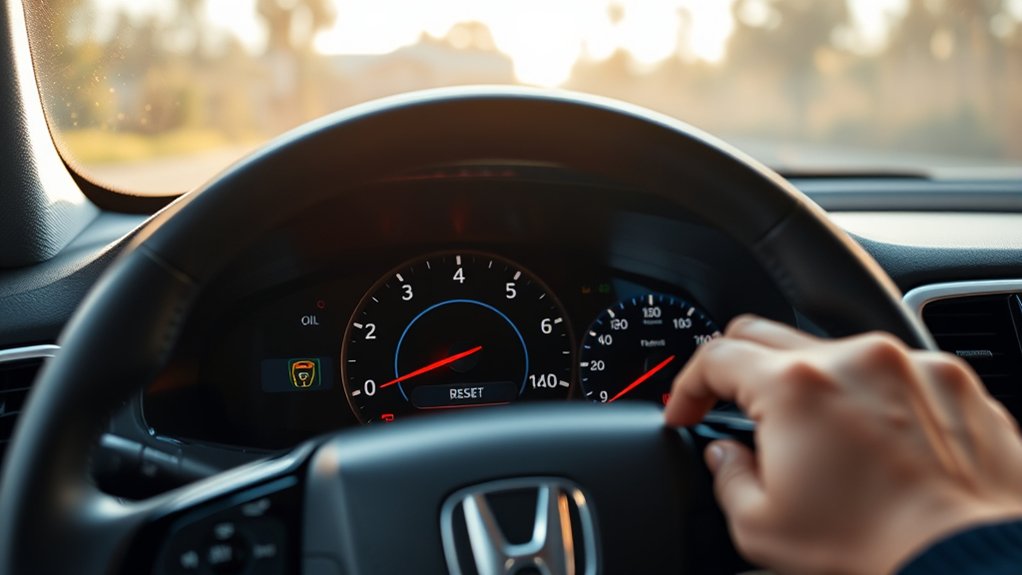
How do you check your Honda Pilot’s oil life status? Start by turning the ignition to the ON position without starting the engine. Access the driver information interface via the steering wheel controls to navigate to the maintenance or oil life menu.
To check your Honda Pilot’s oil life, turn the ignition ON and use the steering wheel controls to access the maintenance menu.
The system computes oil life based on engine operating conditions, including factors like checking oil viscosity and monitoring oil temperature, which directly affect oil degradation. While the digital readout provides a percentage indicating remaining oil life, you should also perform manual checks periodically.
Use a dipstick to assess oil viscosity. Oil that’s too thin or thick signals potential issues. Additionally, monitor oil temperature during operation; excessive heat can accelerate oil breakdown.
Combining system data with physical checks ensures accurate assessment of your Honda Pilot’s oil health.
How to Reset Your Honda Pilot’s Oil Life Indicator
Wondering when to reset your Honda Pilot’s oil life indicator? You’ll want to perform the reset procedure immediately after an oil change to ensure accurate monitoring.
Start by turning the ignition to the ON position without starting the engine. Locate the SELECT/RESET button on the instrument panel. Press and hold the button for about 10 seconds until the oil life percentage begins to blink.
Release the button, then press and hold it again for 5 seconds. The oil life indicator will reset to 100%, confirming the procedure’s success.
This reset procedure recalibrates the system, enabling your Pilot to track oil degradation accurately. Follow this process precisely to maintain optimal vehicle performance and timely maintenance alerts.
Troubleshooting Oil Life Reset Problems

Why might your Honda Pilot’s oil life reset fail to register? Common causes include incomplete reset procedures, ignition cycle errors, or software glitches. Ensure you perform the reset steps exactly, including holding the button until the oil life indicator resets to 100%.
If reset reminders persist, check your vehicle’s battery voltage; low voltage can disrupt the system’s memory. Additionally, verify the instrument cluster software version, as outdated firmware may cause communication errors with the oil life system.
If you’ve recently replaced sensors or the ECM, a diagnostic scan tool might be required to clear error codes and reset oil life properly. Avoid skipping steps or turning off the ignition prematurely during reset, as these actions can prevent the system from registering the update.
How Often to Reset Your Honda Pilot’s Oil Life Indicator
If your Honda Pilot’s oil life reset doesn’t register correctly, it could lead to inaccurate maintenance reminders. You should reset the oil life indicator immediately after completing an oil change to ensure precise tracking.
Resetting it more often than necessary is an unrelated topic and can cause confusion, while neglecting it leads to off topic discussion about engine health. Below is a recommended reset frequency based on typical driving conditions:
| Driving Condition | Reset Frequency (Miles) |
|---|---|
| Normal City Driving | 5,000 – 7,500 |
| Highway Driving | 7,500 – 10,000 |
| Severe Conditions | 3,000 – 5,000 |
| Mixed Conditions | 5,000 – 7,500 |
Keep resets consistent with oil changes to maintain accuracy.
Tips to Keep Your Honda Pilot’s Engine Healthy After Reset
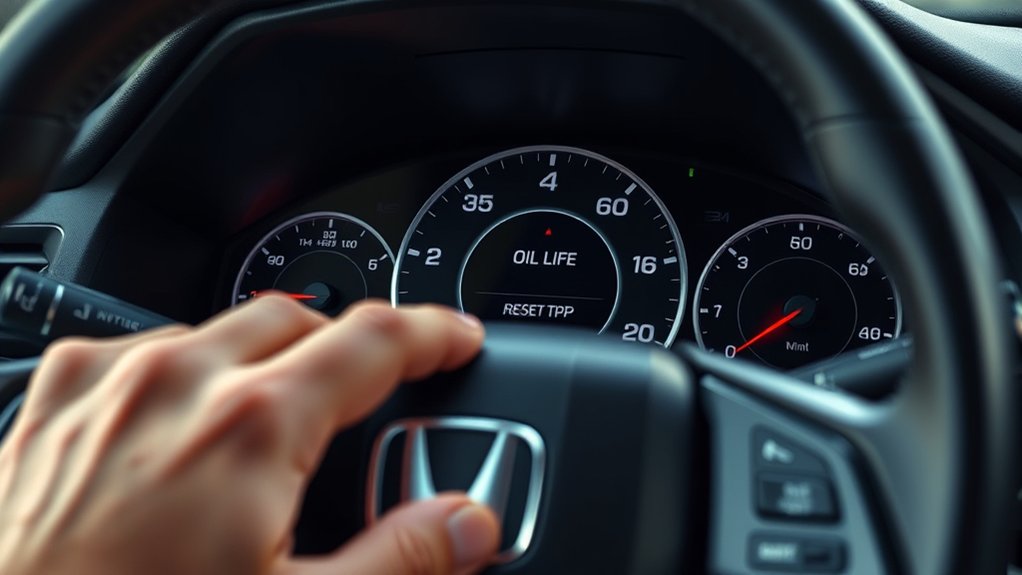
How can you maintain optimal engine performance after resetting your Honda Pilot’s oil life indicator? First, adhere strictly to the manufacturer’s recommended oil change intervals and use the specified oil type to ensure proper lubrication.
Monitor engine temperature and avoid prolonged idling to reduce wear. Regularly check for oil leaks or unusual noises, which can signal issues needing immediate attention.
Incorporate discussion ideas1 by scheduling routine inspections to detect early signs of engine degradation. Additionally, employ discussion ideas2 by maintaining a clean air filter to optimize combustion efficiency.
These steps help sustain engine health and extend your vehicle’s lifespan. Following this disciplined maintenance routine ensures your Honda Pilot runs smoothly after every oil life reset, preventing costly repairs and maximizing performance.
Frequently Asked Questions
What Type of Oil Is Best for a Honda Pilot?
You should use synthetic oil with the recommended oil viscosity, usually 0W-20, for your Honda Pilot. Pair it with a quality oil filter to maintain engine cleanliness and optimize performance and longevity.
Can I Reset the Oil Life Indicator Myself Safely?
Think of resetting your oil life indicator like rebooting a computer. Yes, you can safely perform this two-step process yourself.
Follow precise instructions, use the dashboard menu, and guarantee you complete the reset to maintain accurate maintenance tracking.
Does Resetting Affect My Honda Pilot’s Warranty?
Resetting your Honda Pilot’s oil life indicator doesn’t void its warranty if done correctly. It won’t cause reliability concerns but should align with proper maintenance scheduling.
This ensures accurate service intervals and helps preserve engine health.
How Does Oil Life Monitoring Work in Honda Pilots?
Think of your Honda Pilot’s oil life as a fading candle. The oil life explanation relies on sensor accuracy, measuring driving conditions and engine parameters to precisely calculate when it’s time for an oil change. This ensures optimum performance.
What Happens if I Ignore the Oil Life Indicator?
If you ignore oil maintenance, your engine risks severe damage due to degraded lubrication. This can also strain your battery life, as the system compensates for inefficient performance.
This leads to costly repairs and reduced vehicle reliability.
Conclusion
Resetting your Honda Pilot’s oil life indicator is quick and essential after every oil change to ensure accurate maintenance tracking. You might think skipping the reset saves time, but it risks missing critical alerts, potentially leading to engine damage. Following the precise reset steps guarantees your system reflects true oil status.
Stay diligent—this small task helps maintain optimal engine performance and longevity, preventing costly repairs down the road. Properly resetting the oil life in your Honda Pilot ensures you get the most out of your vehicle’s maintenance schedule. Always remember to reset the oil life after each oil change for reliable performance.