If you want to auto start your Honda CR-V, the first step is confirming whether your model supports factory remote start—this often depends on the year and trim. You’ll need to check your key fob, dashboard settings, or the HondaLink app for activation options.
If factory support isn’t available, installing an aftermarket system requires precise wiring and safety precautions. Understanding these initial steps ensures you set up a reliable and secure auto start process. Taking the time to verify compatibility and installation needs will help you enjoy the convenience of auto starting your Honda CR-V safely.
Key Takeaways
- Check if your CR-V’s key fob or infotainment system has a remote start button or enable option in the dashboard settings.
- Use the HondaLink app to remotely start your CR-V, including climate control features and vehicle status monitoring.
- Ensure your CR-V model (2017 or newer) supports remote start modules and confirm compatibility with VIN and charts.
- Install a compatible remote start module with wiring harness, soldering tools, and follow safety precautions for reliable setup.
- Always start the engine in Park, keep the hood closed, and avoid prolonged idling to ensure safe remote start operation.
Check If Your Honda CR-V Has Remote Start
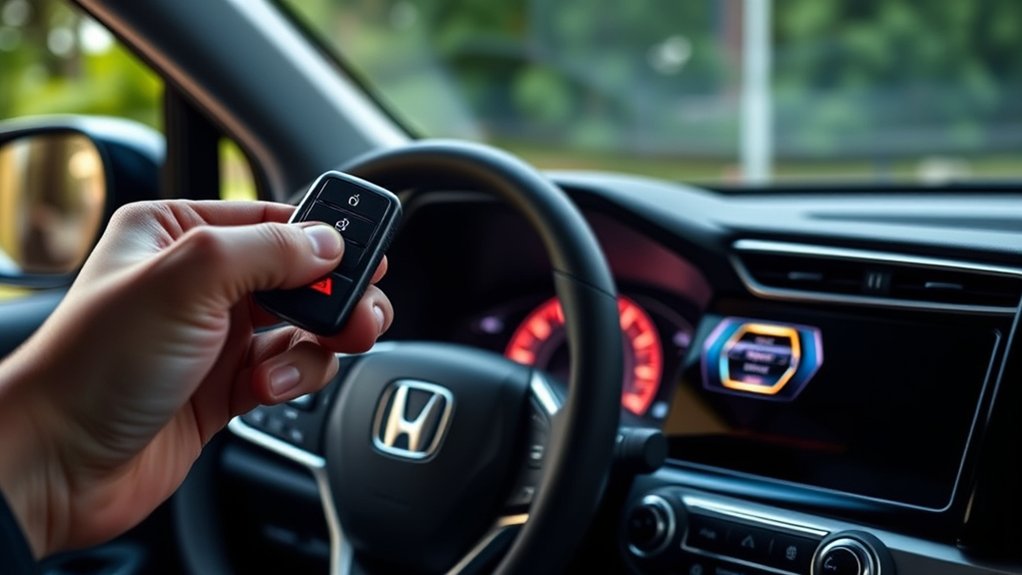
How can you determine if your Honda CR-V is equipped with remote start? First, inspect your key fob for a button creatively named with a distinctive icon, usually a circular arrow or a car with waves, to indicate remote start functionality. This creative naming helps you quickly identify the feature.
Next, consult your owner’s manual, where image placement is key: look for diagrams illustrating the remote start button on the key fob or infotainment system. Additionally, check the dashboard settings menu; some models let you enable or disable remote start here.
If your CR-V lacks this button or menu option, it likely doesn’t have remote start installed from the factory. Confirming these details ensures you proceed with setup accurately without unnecessary steps.
Gather What You Need to Set Up Auto Start
Before setting up auto start on your Honda CR-V, gather essential tools like a compatible remote start module and wiring harness. Confirm your vehicle model supports the specific system to ensure proper installation and functionality.
Also, review safety precautions to prevent electrical hazards and ensure secure operation during setup.
Required Tools And Devices
What tools and devices do you need to set up auto start on your Honda CR-V? First, secure a compatible remote start module designed for your vehicle model. You’ll also require a wiring harness, a soldering kit, and insulated connectors for reliable electrical connections.
A multimeter is essential to verify power sources and signal integrity. Additionally, keep your pet care and tire maintenance routines in mind; ensure pets are safely secured and tires are properly inflated before engaging the system.
| Tool/Device | Purpose |
|---|---|
| Remote Start Module | Enables the auto start functionality |
| Wiring Harness | Connects module to vehicle electronics |
| Multimeter | Tests voltage and continuity |
Having these tools ready ensures precise installation and optimal performance.
Compatible Honda CR-V Models
Typically, compatible Honda CR-V models for auto start installation include those from recent production years equipped with keyless entry and push-button ignition systems. Specifically, CR-Vs from 2017 onward commonly support remote start modules, as their electronic control units (ECUs) and wiring harnesses are designed to integrate with aftermarket systems.
When verifying compatibility, focus on your vehicle’s ignition type and factory-installed security features, since these impact module selection and installation complexity. You’ll find that models lacking keyless entry or push-button start require additional modifications, making installation more challenging.
Just like mastering gardening tips or cooking basics, understanding your CR-V’s specifications ensures a smoother setup. Approaching this with the precision of travel planning or movie reviews, gather your vehicle’s VIN and consult compatibility charts before purchasing components for auto start functionality.
Safety Precautions And Tips
How can you guarantee a safe and effective installation of the auto start system on your Honda CR-V? First, address security concerns by guaranteeing the system includes robust encryption to prevent unauthorized access. Use manufacturer-approved components and follow wiring diagrams precisely to avoid electrical faults or malfunctions.
Always disconnect the battery before installation to mitigate shock risks. Test the system in a controlled environment to confirm proper operation without compromising vehicle safety features. Consider ethical implications: avoid programming auto start where it could endanger bystanders or violate local laws.
Maintain clear documentation of your setup for troubleshooting and future reference. By adhering to these safety precautions and tips, you’ll guarantee your Honda CR-V’s auto start system functions reliably and responsibly without compromising security or ethical standards.
Enable Auto Start on Your Honda CR-V
To enable auto start on your Honda CR-V, you’ll first need to understand its key features, such as remote engine start range and safety protocols. Follow the step-by-step activation process carefully, including any required settings adjustments and key fob operations.
If you encounter issues, troubleshoot common problems like signal interference or system lockouts to ensure reliable functionality.
Key Features Overview
A Honda CR-V equipped with the auto start feature offers a seamless way to remotely start your engine, ensuring your vehicle reaches an ideal temperature before you step inside. This system integrates with your key fob or smartphone app, allowing activation within a specific range.
Key features include automatic engine shutoff after a preset duration, preserving fuel efficiency and reducing emissions. The climate control system synchronizes with the auto start, adjusting airflow and temperature to create comfort akin to the calm of ocean waves, no matter the weather outside.
Additionally, safety protocols inhibit auto start if the vehicle is in gear or the hood is open. This functionality lets you prepare your CR-V’s interior environment, much like setting holiday decor—precise, timed, and tailored for convenience.
Step-by-Step Activation
Understanding the integration of the auto start feature with your Honda CR-V’s key fob or smartphone app sets the stage for enabling this functionality. Follow these precise steps to activate auto start, ensuring optimal car care and preserving fuel economy:
- Press and hold the lock button on your key fob, then immediately press and hold the remote start button for at least two seconds.
- Verify the vehicle’s lights flash and the engine starts, confirming activation.
- Alternatively, open the HondaLink app, select your CR-V model, navigate to remote start, and tap “Start Engine.”
- Confirm the engine is running and climate control activates as programmed.
Troubleshooting Common Issues
Why won’t your Honda CR-V’s auto start function engage as expected? First, verify the key fob battery; a weak battery often disrupts signal transmission. Next, confirm the vehicle is in “Park” mode with the hood closed. Safety protocols prevent activation otherwise.
Inspect the remote start system for software updates, as outdated firmware can cause malfunctions. Consider the pros and cons of aftermarket kits versus factory-installed systems. Aftermarket options may introduce compatibility issues, raising cost considerations due to potential repairs.
Additionally, environmental factors like extreme temperatures might inhibit function. If issues persist, run a diagnostic scan to detect sensor or wiring faults. Addressing these specifics ensures efficient troubleshooting and avoids unnecessary expenses while optimizing your Honda CR-V’s auto start reliability.
Use the Key Fob to Auto Start Your CR-V
How exactly do you use the key fob to auto start your Honda CR-V? The process is straightforward but requires precise steps to avoid triggering nonessential aesthetics or unrelated music. Follow these steps:
- Press the lock button on the key fob to secure the vehicle.
- Within three seconds, press and hold the remote start button (circular arrow) for about two seconds.
- The engine will start, indicated by lights flashing and the climate control system activating.
- Once inside, press the brake pedal and push the start button to fully engage the vehicle.
This method bypasses the need for unrelated music or visual effects that don’t impact vehicle operation. Ensure your CR-V is in park and all doors are closed to prevent the system from rejecting the remote start command.
Use the HondaLink App for Remote Start on Your CR-V
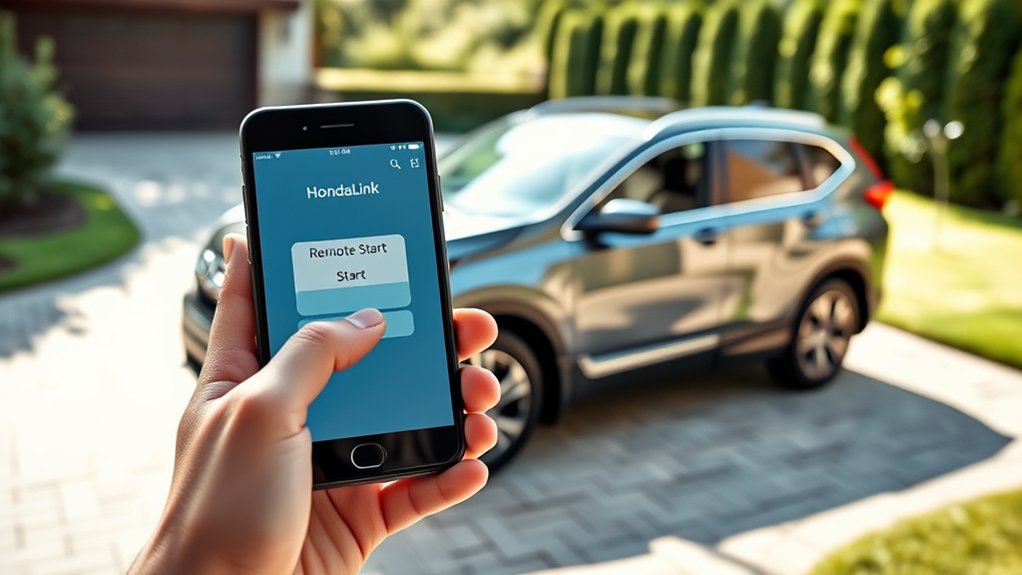
By using the HondaLink app on your smartphone, you can remotely start your CR-V with greater flexibility and control than the key fob allows. The app lets you initiate the engine from virtually anywhere, offering options like climate control activation and vehicle status monitoring.
This advanced method integrates two word ideas such as “remote access” and “vehicle status,” enhancing your user experience beyond unrelated topics like manual ignition methods.
| Feature | Description |
|---|---|
| Remote Start | Start engine from any location via app |
| Climate Control | Pre-condition interior temperature |
| Vehicle Status | Check fuel, oil life, and maintenance alerts |
Use the app for precise control, streamlining your CR-V’s auto start process efficiently.
Tips for Using Auto Start Safely on Your CR-V
While the HondaLink app provides convenient remote start capabilities, ensuring safety during operation is essential. To use auto start safely on your CR-V, follow these technical tips:
- Always start your vehicle in a well-ventilated area to prevent carbon monoxide buildup, maintaining an eco friendly environment.
- Avoid prolonged remote idling to preserve battery life and reduce unnecessary fuel consumption.
- Confirm that your vehicle is in “Park” with the parking brake engaged before initiating remote start to prevent unintended movement.
- Never leave your CR-V unattended when running remotely, especially in enclosed spaces or unsecured locations.
Adhering to these guidelines ensures your CR-V’s auto start feature works efficiently without compromising safety or vehicle performance.
Customize Auto Start Settings on Your Honda CR-V
You can customize your Honda CR-V’s auto start by adjusting the remote start timer to control how long the engine runs remotely. Additionally, set your climate preferences to guarantee the interior temperature suits your comfort before you get in.
These settings optimize convenience and efficiency every time you use the auto start feature.
Adjust Remote Start Timer
How long should your Honda CR-V run after you activate the remote start? Adjusting the remote start timer is crucial for balancing car care and fuel economy. You can set the engine to run for a specific duration before it automatically shuts off, preventing unnecessary fuel consumption and engine wear.
To adjust the timer:
- Access your vehicle’s remote start settings via the infotainment system or key fob.
- Select the timer duration. Options typically range from 5 to 15 minutes.
- Choose a duration that allows sufficient warm-up or cooldown without excessive idling.
- Save your settings to ensure the timer activates every time you use remote start.
This precise adjustment helps maintain optimal engine health while conserving fuel efficiently.
Set Climate Preferences
Adjusting the remote start timer ensures your Honda CR-V runs only as long as necessary, but optimizing your comfort depends on fine-tuning the climate settings that activate during auto start. Access the vehicle’s infotainment system to customize temperature, fan speed, and vent modes based on your preferences.
Set these parameters to maintain an ideal cabin environment, especially important during urban driving where frequent stops demand efficient climate control. Ensure the system prioritizes eco friendly materials in cabin air filtration, enhancing air quality while minimizing environmental impact.
You can save these settings within the vehicle profile, allowing the auto start to apply your chosen climate preferences automatically. This precision control not only improves comfort but also reduces unnecessary energy consumption, aligning with your eco-conscious approach.
What You Should Know About Auto Start Limits and Safety
Why does your Honda CR-V impose auto start limits? These constraints ensure safety and optimal vehicle performance. The system prevents unintended operation, protecting you and your surroundings. Here’s what you should know:
- Auto start activates only when the transmission is in Park, preventing accidental movement.
- The engine shuts off automatically after 10 minutes to avoid excessive fuel consumption and emissions.
- The system won’t start if the hood is open, ensuring no maintenance interference.
- For safety, auto start disables if the battery voltage is low or critical warnings are detected.
Understanding these limits helps you integrate your CR-V’s features seamlessly, much like embracing modern gardening trends or exploring urban cuisine. Both require precise control and awareness of conditions to thrive safely and effectively.
Troubleshoot Common CR-V Auto Start Issues
Although the Honda CR-V’s auto start system is designed for reliability, you may encounter issues that prevent it from functioning properly. Common problems often stem from disrupted frictionless pairing between your key fob and vehicle or compromised battery health in either device. Addressing these quickly ensures consistent performance.
| Issue | Likely Cause |
|---|---|
| No response on command | Weak key fob battery |
| Engine fails to start | Faulty frictionless pairing |
| Auto start cancels | Low vehicle battery health |
| Error message appears | System software glitch |
To troubleshoot, replace the key fob battery, verify vehicle battery voltage, and re-establish frictionless pairing by following the CR-V’s manual instructions precisely. If problems persist, consult a technician for diagnostic scanning.
Is an Aftermarket Remote Start Right for Your CR-V?
When considering an aftermarket remote start for your Honda CR-V, how do you determine if it meets your specific needs and integrates seamlessly with your vehicle’s existing systems? Avoid unused topic ideas or irrelevant discussion by focusing on key technical factors:
- Compatibility: Confirm the remote start module supports your CR-V’s year and trim to prevent system conflicts.
- Security: Ensure the system includes features like immobilizer bypass and anti-theft safeguards, maintaining factory-level security.
- Installation Complexity: Assess if professional installation is required to preserve warranties and prevent wiring issues.
- Functionality: Verify that added features (e.g., smartphone control, keyless entry integration) align with your usage preferences without interfering with OEM electronics.
Evaluating these points helps you decide if an aftermarket remote start suits your CR-V’s architecture without introducing complications.
Frequently Asked Questions
Can I Auto Start My Honda CR-V in Extreme Weather Conditions?
You can auto start your Honda CR-V in extreme weather, but be aware of auto start risks like engine strain or battery drain. Use it cautiously, ensuring your system and vehicle are properly maintained to handle harsh conditions safely.
Does Auto Start Affect My Cr-V’s Fuel Efficiency?
If you use auto start daily, like a commuter warming up their Honda CR-V, you’ll notice a slight drop in fuel efficiency because the engine idles longer.
Auto start consumes more fuel, reducing overall fuel efficiency modestly.
Will Auto Start Drain My Honda Cr-V’s Battery?
Yes, remote starting risks include potential battery drain, especially if used frequently. You’ll need diligent battery maintenance to ensure prime charge levels, preventing premature wear and maintaining reliable starts without compromising your Honda CR-V’s electrical system.
Is Auto Start Available on All Honda CR-V Trim Levels?
Think of auto start availability as a key that fits only certain locks; in Honda CR-V, auto start isn’t on all trims. Higher trims typically include this feature, so check your specific model’s equipment list for precise details.
Can Auto Start Be Disabled Permanently if Desired?
You can disable the auto start feature permanently through your vehicle’s settings or dealer assistance. However, be cautious, as disabling it improperly may affect warranty implications or vehicle functionality.
Follow manufacturer guidelines precisely.
Conclusion
Now that you’ve navigated the necessary nuances of your Honda CR-V’s auto-start system, you’re set to simplify starts safely and smartly. Whether you’re toggling through the touchscreen or tapping the key fob, trust tested techniques to tailor your tech.
Remember, meticulous maintenance and mindful monitoring maximize your module’s mastery. Stay sharp, safeguard your setup, and enjoy effortless engine engagement every time you set out.
By following these steps, you’ll make the most of the auto start Honda CR-V feature for a convenient and reliable driving experience.