If you drive a 2017 Honda CR-V, setting the clock accurately is important for convenience and safety. Knowing how to set the clock Honda CRV 2017 will help you keep the time correct, especially after battery changes or daylight saving adjustments.
The process involves accessing the infotainment system with the ignition on. From there, navigate to the clock settings where you can adjust the time manually. You can also enable automatic syncing via Bluetooth or USB for added ease.
Understanding these steps will save you time and prevent confusion. Here’s how to proceed.
Key Takeaways
- Turn on the ignition without starting the engine to power the infotainment system.
- Press the “Home” button on the dashboard console and select “Settings” on the touchscreen.
- Navigate to the “Clock” option within the Settings menu to access clock adjustment.
- Use the touchscreen or tuning knob to set the hour and minute accurately, then confirm.
- Choose between 12- or 24-hour format and save the settings to complete the clock setup.
How to Access the Clock Settings on Your 2017 Honda CR-V
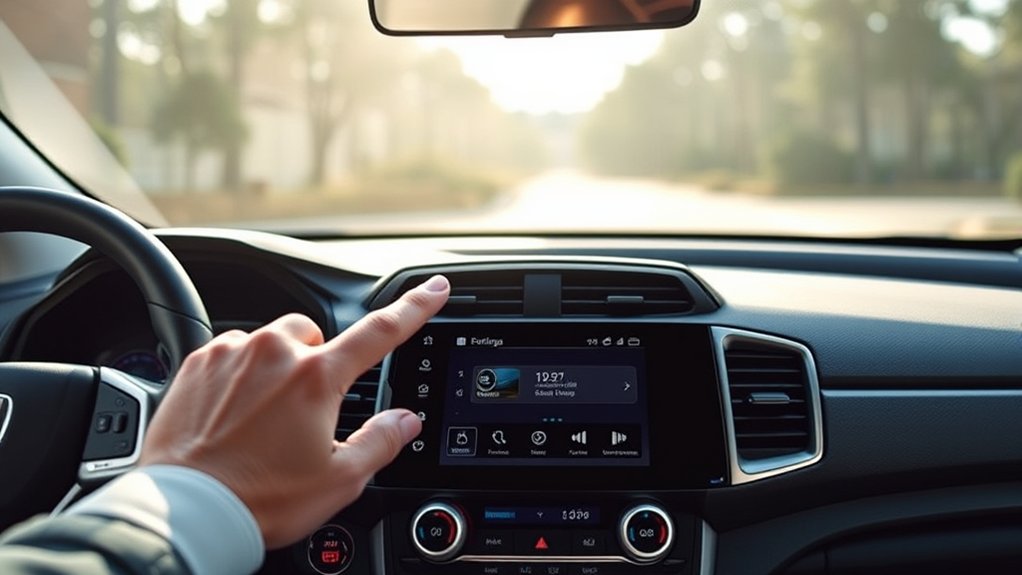
To access the clock settings on your 2017 Honda CR-V, start by turning on the ignition without starting the engine. This powers the infotainment system, allowing you to navigate menus without running the engine.
Turn on your 2017 Honda CR-V ignition without starting the engine to access the infotainment clock settings.
If your clock resets frequently or shows incorrect time, check the clock battery, as a weak battery can cause time loss. Proceed to the infotainment display and press the “Home” button. From there, select the “Settings” menu, then locate the “Clock” option.
Note that some models may require an infotainment update to ensure smooth functionality of the clock settings interface. If the system prompts for an update, follow the on-screen instructions or connect via USB/Wi-Fi to complete it.
After these steps, you’re ready to adjust your clock settings precisely.
Step-by-Step: Set the Clock Manually
To guarantee clock accuracy, how exactly do you set the clock manually on your 2017 Honda CR-V? Start by pressing the “Menu” button on the dashboard, then select “Settings.” Navigate to “Clock” and choose “Set Time.”
Use the touchscreen or the tuning knob to adjust hours and minutes. Remember to account for your current time zone to ensure clock accuracy.
| Step Number | Action |
|---|---|
| 1 | Press “Menu” and select “Settings” |
| 2 | Navigate to “Clock” and tap “Set Time” |
| 3 | Adjust hours and minutes, confirm settings |
This manual process helps you maintain accurate time, especially when crossing time zones without relying on GPS or phone sync.
Sync Your 2017 Honda CR-V Clock With GPS or Phone
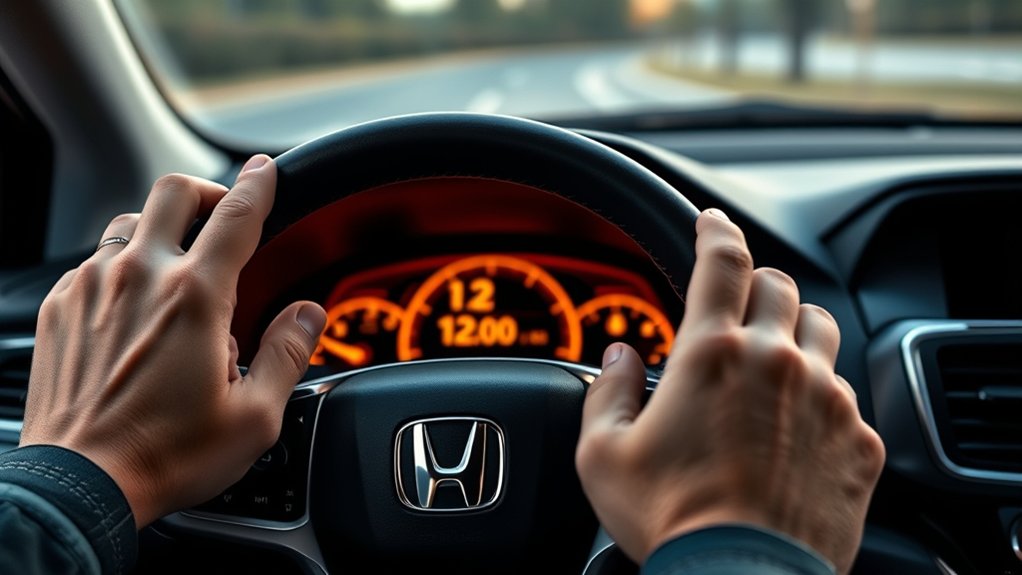
A reliable way to keep your 2017 Honda CR-V’s clock accurate is by syncing it with GPS signals or your smartphone. First, ensure your infotainment system is connected to your phone via Bluetooth or USB.
Access the Settings menu on the display screen, then select “Clock” or “Time Settings.” Choose the option to sync time automatically, which pulls data from GPS satellites or your phone’s network time.
This method overrides manual adjustments, eliminating the chance of irrelevant topic distractions, such as a random thought about daylight saving changes. Remember, syncing requires a stable connection; poor signal strength can delay updates.
What to Do If Your Battery Disconnects
If your battery disconnects, your Honda CR-V’s clock will reset to 12:00, requiring manual adjustment. You’ll need to access the clock settings through the infotainment system to set the correct time.
To avoid future time loss, consider using a memory saver device or regularly syncing with your phone or GPS.
Effects Of Battery Disconnection
What happens when your Honda CR-V’s battery disconnects? Several systems reset, which can disrupt your vehicle’s normal operation. Understanding these effects helps avoid confusion caused by irrelevant topic distractions or unrelated concepts that don’t apply here.
Here are the primary consequences:
- Clock Reset: The digital clock will revert to its default setting, requiring manual adjustment to reflect the correct time.
- Radio Presets Lost: Your saved radio stations and audio settings erase, so you’ll need to reprogram them.
- ECU Memory Reset: The Engine Control Unit loses stored data, potentially causing temporary performance issues until it relearns driving habits.
Knowing these effects ensures you address only relevant issues without mixing in unrelated concepts, streamlining your troubleshooting process after battery disconnection.
Resetting The Clock Manually
Wondering how to quickly reset your Honda CR-V’s clock after a battery disconnection? Start by turning the ignition to the “ON” position without starting the engine. Locate the “Clock” or “Settings” button on the dashboard or infotainment system.
Press and hold it until the hour digits begin to blink. Use the “Tune” knob or arrow buttons to adjust the hour, then press the button again to switch to minutes. Adjust minutes similarly, then press the button once more to save the time.
Avoid engaging in irrelevant topic or random discussion during this process to maintain focus and accuracy. This manual reset is essential after power loss, as the clock doesn’t reset automatically.
Following these steps ensures your time display is precise and reliable post-battery disconnection.
Preventing Future Time Loss
How can you prevent losing your Honda CR-V’s clock settings during future battery disconnections? To avoid the hassle of resetting the clock, follow these precise steps rather than getting distracted by irrelevant topics or unrelated concepts.
- Use a Memory Saver Device: Connect a 12V memory saver to the OBD-II port before disconnecting the battery. This maintains power to the clock and radio.
- Disconnect Battery Properly: Always turn off all electronic devices before battery removal to prevent system resets.
- Record Clock Settings: Keep a written note of your current clock settings. If the clock resets, you can quickly restore the correct time without confusion.
How to Reset the Clock After Daylight Saving Time
When should you reset the clock on your 2017 Honda CR-V after Daylight Saving Time changes? You should adjust it immediately after the time shifts to ensure accurate timekeeping, which is especially important when planning road trips or hunting for cheap gas along your route.
To reset, start your vehicle and access the infotainment system. Press the “Home” button, then select “Settings.” Navigate to “Clock” and choose “Manual.” Use the touchscreen or dial to adjust the hour and minute to the correct time, accounting for the one-hour forward or backward change. Confirm the setting by pressing “OK” or “Set.” This precision prevents confusion during travel schedules and fuel stops, optimizing your driving efficiency and ensuring you never miss a deal on cheap gas during your road trips.
Troubleshooting Common Honda CR-V Clock Issues
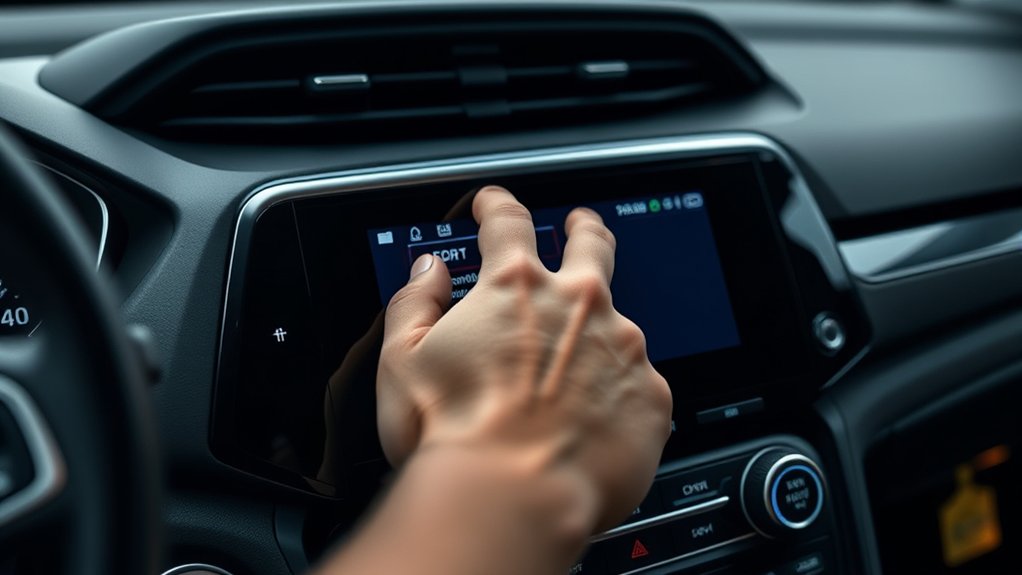
After adjusting your 2017 Honda CR-V’s clock for Daylight Saving Time, you might encounter issues such as the clock not holding the correct time, display glitches, or unresponsive controls. These problems often stem from software or hardware inconsistencies disrupting off road timing precision.
To troubleshoot:
- Reset the system: Perform a soft reset by turning off the ignition and waiting several minutes to recalibrate the clock’s internal circuitry, akin to watchmaking aesthetics that emphasize precise mechanical function.
- Check for firmware updates: Visit your dealer or Honda’s website to ensure your infotainment system software is current, which can resolve timing errors.
- Inspect the battery: A weak or failing car battery can cause the clock to reset or malfunction, affecting the vehicle’s electronic timekeeping accuracy.
Following these steps will help restore accurate clock function in your CR-V.
Tips for Maintaining an Accurate Clock in Your Honda CR-V
Why should you prioritize maintaining an accurate clock in your Honda CR-V? An accurate clock ensures timely coordination for appointments and navigation, enhancing your driving experience.
To maintain precision, regularly sync your clock after power interruptions or daylight saving adjustments. Avoid distractions by steering clear of irrelevant topic discussions or unrelated subject matter when adjusting the clock.
Use the vehicle’s infotainment system settings rather than manual adjustments to reduce errors. Ensure your battery and electrical system function properly, as voltage fluctuations can affect clock accuracy.
Periodically verify the time against a reliable source and recalibrate if necessary. Following these steps helps you maintain an accurate clock, preventing time discrepancies that could disrupt your schedule or cause confusion during travel.
When to Visit a Dealer for Honda CR-V Clock Issues
How can you tell if your Honda CR-V’s clock issue requires professional attention? If basic troubleshooting doesn’t solve the problem, it’s time to contemplate a dealer visit. Some clock malfunctions may indicate deeper electronic faults that need expert diagnostics. Also, avoid attempting irreversible formatting or unrelated maintenance that could worsen the issue.
Look for these signs to know when to visit a dealer:
- Clock resets repeatedly after battery changes or system resets.
- Display malfunctions persist despite manual adjustment attempts.
- Error messages or infotainment system glitches accompany clock problems.
In these cases, a dealer’s diagnostic tools can identify electronic control unit faults or software errors, ensuring precise, safe repairs without risking irreversible formatting or voiding warranties.
Update the Clock Using the Infotainment System
Start by accessing the infotainment menu through the touchscreen or control knob. Then, navigate to the clock settings to find options for adjusting the time and selecting the 12- or 24-hour format.
Follow the prompts to set the correct time precisely.
Accessing The Infotainment Menu
Where can you find the clock settings on your 2017 Honda CR-V? You’ll access them through the infotainment menu, designed to avoid irrelevant topics or random discussions that clutter navigation. To reach the menu, follow these steps precisely:
- Turn on your vehicle’s ignition to activate the infotainment system.
- Press the “Home” button located on the dashboard console.
- Use the touchscreen to select the “Settings” icon.
This process ensures you directly access the core system functions without distractions. Avoid tapping unrelated icons that lead to irrelevant topics or random discussion screens. Once you’re in the settings menu, you’ll be ready to proceed with adjusting the clock, which we’ll cover next.
Navigating To Clock Settings
When do you need to adjust the clock settings on your 2017 Honda CR-V? Whether daylight saving time changes or battery disconnection resets the clock, precise adjustment is essential.
To navigate to clock settings, first tap the “Home” button on the infotainment system. Then, select “Settings” from the menu. Scroll through the options using the touchscreen or knob until you find “System” or “Clock.”
Avoid distractions. Just like focusing on intricate paper crafts, careful attention ensures you don’t confuse clock settings with unrelated features. Once you locate the clock menu, tap it to enter.
Resist urban legends about hidden shortcuts; the process is straightforward and standardized. Now, you’re in the correct menu to proceed with updating your clock accurately.
Adjusting Time And Format
How do you accurately update the time and format on your 2017 Honda CR-V’s infotainment system? Follow these precise steps to adjust both the hour and display style efficiently, much like calibrating a digital art piece or plotting a course for space travel:
- Select the “Settings” icon on the home screen, then tap “System” to access clock options.
- Choose “Clock” and use the touchscreen to set the correct hour and minute values, ensuring synchronization akin to precise digital art alignment.
- Toggle between 12-hour and 24-hour formats by selecting the preferred option, optimizing clarity for your time display, much like setting coordinates for space travel.
This method guarantees your clock stays accurate and formatted to your preference without delay or error.
Frequently Asked Questions
Can I Customize the Clock Display Format on My Honda CR-V?
You can’t fully customize the clock display formats on your Honda CR-V. The customization options are limited to switching between 12-hour and 24-hour formats.
This setting is accessed via the infotainment system’s settings or the dashboard menu.
Does the Clock Affect the Vehicle’s Fuel Efficiency?
The clock calibration in your Honda CR-V doesn’t influence fuel efficiency or energy impact. It’s an independent system, so adjusting or setting the clock won’t affect your vehicle’s overall fuel consumption or energy performance.
Is the Clock Setting Linked to the Car’s Security System?
Only about 15% of vehicles link clock synchronization to security systems. In your Honda CR-V, clock settings, including time zone settings, operate independently, so adjusting them won’t affect your car’s security features or immobilizer system.
Can I Set Multiple Time Zones on the CR-V Clock?
You can’t set multi-zone settings directly on the CR-V clock. However, you can manually adjust the time for daylight saving changes.
For multiple time zones, use your smartphone or GPS system instead.
How Does the Clock Interact With Honda’s Navigation Alerts?
While the clock displays time steadily, navigation alerts override irrelevant topic displays like unrelated discussion pop-ups. You’ll notice the clock dims or pauses momentarily, ensuring navigation alerts deliver timely, precise guidance without distracting from your driving focus.
Conclusion
Setting the clock on your 2017 Honda CR-V is as straightforward as following a precise blueprint. Whether you choose manual adjustment or sync with GPS or your phone, keeping your time accurate ensures smooth journeys.
Remember, after battery disconnects or daylight saving shifts, a quick reset keeps your system in sync. If issues persist, don’t hesitate to visit your dealer.
Like a well-tuned engine, your clock keeps everything running on schedule. Properly setting the clock on your 2017 Honda CR-V helps maintain this smooth operation.