To connect your phone to a Jeep Wrangler, start by enabling Bluetooth on your device.
Then, access the Uconnect system’s Bluetooth menu to add and confirm a new device. This allows your phone to pair wirelessly with the vehicle for hands-free use.
Alternatively, you can plug your phone in via USB to enjoy audio playback and charging simultaneously. An auxiliary cable is another option if you prefer a simple audio input method without Bluetooth.
Set up voice commands through the Uconnect phone menu to enable hands-free control while driving.
If you encounter any issues, try updating the software and re-pairing your devices.
Keep following for more detailed steps and tips to ensure a seamless connection and integration between your phone and Jeep Wrangler.
Key Takeaways
- Enable Bluetooth on your phone and access the Jeep Wrangler’s Uconnect Bluetooth settings to start pairing.
- Select “Add Device” on the vehicle’s infotainment screen and confirm the pairing code matches on both devices.
- Use a compatible USB cable near the center console for audio streaming and charging simultaneously.
- Activate voice commands via the steering wheel button to make hands-free calls and control apps safely.
- If connection issues arise, delete existing pairings, update software, and re-pair the phone with the Jeep.
How to Pair Your Phone With Jeep Wrangler Bluetooth
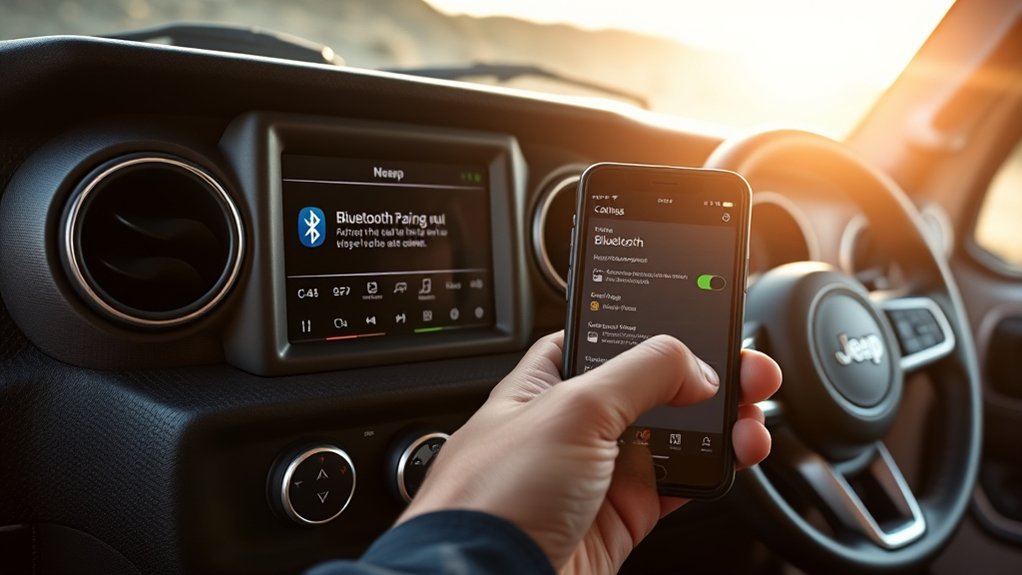
To pair your phone with your Jeep Wrangler’s Bluetooth system, start by enabling Bluetooth on your device and accessing the vehicle’s Uconnect or infotainment menu. Navigate to Bluetooth settings, then select “Add Device” or “Pair New Device.”
Make sure your phone is visible and compatible with the Wrangler’s mobile compatibility requirements. Once the system detects your phone, select it from the list and confirm the pairing code on both screens.
After successful pairing, test audio quality by playing media or making a call. Use the device management options within Uconnect to prioritize your phone or manage multiple devices. This process guarantees seamless connectivity, maintains peak audio performance, and allows efficient switching between paired devices without interrupting your driving experience.
Connecting Your Phone via USB and Auxiliary Input
Connecting your phone via USB or auxiliary input provides a reliable alternative to Bluetooth for audio playback and charging. To begin, verify your Jeep Wrangler supports USB compatibility by locating the USB port, usually near the center console.
Connect your phone with a compatible USB cable to enable audio streaming and simultaneous charging. Alternatively, use the auxiliary input with a 3.5mm audio cable if your device lacks USB support or you prefer a wired audio connection.
| Connection Type | Key Feature |
|---|---|
| USB | Audio playback + charging |
| Auxiliary | Simplicity + universal compatibility |
| Both | Reliable, no pairing required |
Utilizing these wired connections offers stable audio quality and quick setup without relying on wireless signal strength.
How to Set Up Voice Commands and Hands-Free Calling in Your Jeep Wrangler
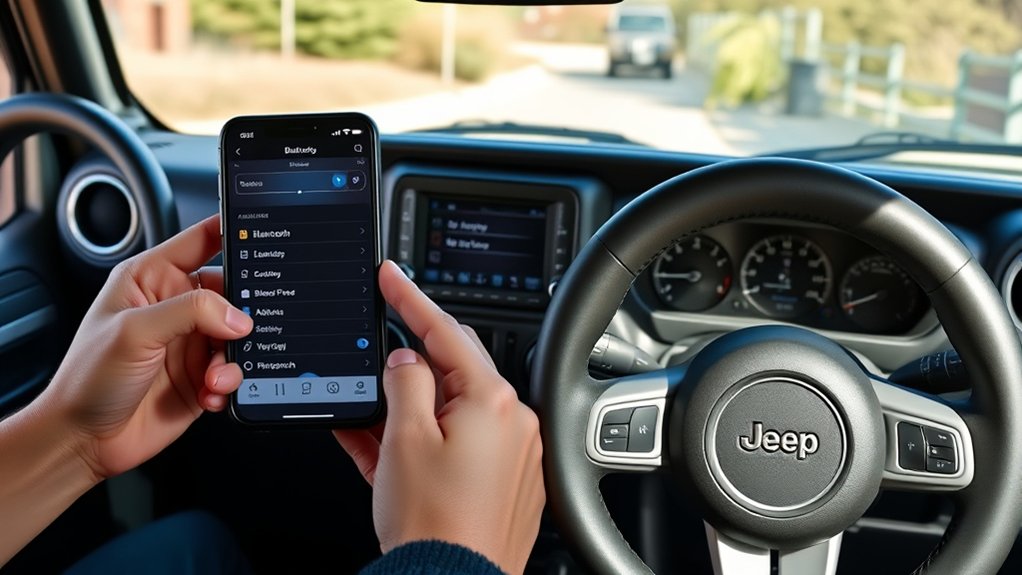
Setting up voice commands and hands-free calling in your Jeep Wrangler enhances safety and convenience by allowing you to control your phone without taking your hands off the wheel. First, access the Uconnect system on your dashboard. Navigate to the “Phone” menu, then select “Hands Free Settings.”
Enable Bluetooth and pair your phone if you haven’t done so already. Next, activate voice recognition features by selecting “Voice Control” or pressing the steering wheel’s voice command button. Follow the prompts to calibrate the system to your voice for accurate command recognition.
You can now initiate calls, send texts, and control compatible apps using simple voice commands. Verify your phone’s microphone and speakers are functioning properly for ideal hands-free operation. This setup keeps your focus on driving while maintaining full phone functionality.
Troubleshooting Jeep Wrangler Phone Connections
Once you’ve set up voice commands and paired your phone with your Jeep Wrangler, occasional connection issues might arise. First, verify Bluetooth compatibility between your phone and the Jeep’s infotainment system; incompatible devices may cause intermittent disconnections.
Next, confirm both your phone’s operating system and your Jeep’s software are up to date, as outdated software often disrupts seamless connectivity. If your phone fails to connect, delete the existing pairing from both devices and re-pair them to reset the connection.
Additionally, check for interference from other Bluetooth devices nearby and disable unnecessary connections. Finally, consult your Jeep Wrangler’s user manual or support site for model-specific troubleshooting steps if problems persist.
Consistent maintenance of software updates and compatibility checks will minimize connection issues.
Tips to Improve Phone Integration and Drive Safely
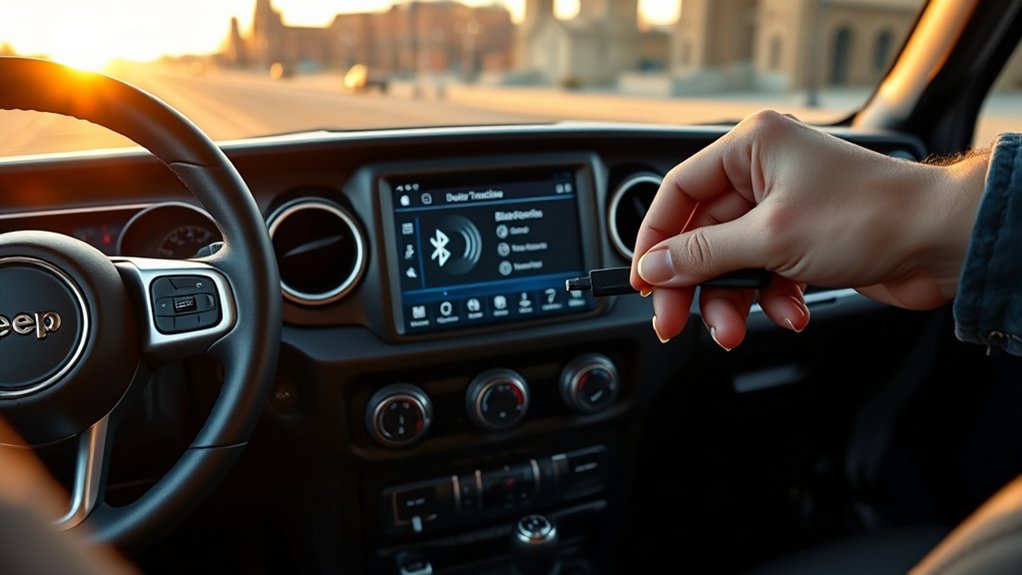
Although integrating your phone with your Jeep Wrangler enhances convenience, you should implement specific strategies to maintain focus and drive safely. First, secure your device using a reliable phone mount positioned within your line of sight, minimizing the need to look away from the road.
Next, configure your phone’s settings before driving. Activate Do Not Disturb mode and pre-select navigation routes or playlists. Limit interaction to voice commands or steering wheel controls to reduce manual input. Avoid multitasking, as driving distractions greatly increase accident risk.
Regularly update your Jeep’s infotainment system and phone software to guarantee seamless connectivity and minimize technical glitches. By following these steps, you’ll optimize phone integration while prioritizing safety, making sure your driving experience remains both connected and focused.
Frequently Asked Questions
Can I Connect Multiple Phones to My Jeep Wrangler Simultaneously?
You can’t have multiple phones paired simultaneously for active Bluetooth connectivity in your Jeep Wrangler. However, you can store several phone pairings, but only one phone connects and streams audio or calls at a time via Bluetooth.
Does Jeep Wrangler Support Android Auto and Apple Carplay?
Yes, your Jeep Wrangler supports Android Auto and Apple CarPlay, offering seamless phone compatibility. Utilize infotainment features and wireless integration for smartphone navigation, enhancing your connectivity options through precise and efficient infotainment system controls.
How Do I Update the Jeep Wrangler’s Infotainment System Software?
You’ll want to start by checking for updates via your Jeep’s infotainment features menu or the official Chrysler Uconnect website.
Ensuring software compatibility is key before downloading and installing the latest firmware carefully.
Can I Stream Music Apps Directly Through Jeep Wrangler Bluetooth?
Yes, you can use Bluetooth streaming to play music apps directly through your Jeep Wrangler. Confirm your phone’s music app supports Bluetooth audio output.
Also, make sure your Wrangler’s infotainment system has compatible Bluetooth streaming capabilities enabled.
Is There a Way to Customize Ringtone Settings for Calls in Jeep Wrangler?
You can’t set custom ringtone options directly through Jeep Wrangler’s system. Instead, adjust your phone connection settings to manage call ringtones on your device. This ensures your preferred tones play during incoming calls in the Jeep.
Conclusion
Connecting your phone to your Jeep Wrangler enhances safety and convenience, with over 85% of drivers citing Bluetooth hands-free systems as essential for reducing distractions. By pairing via Bluetooth, USB, or auxiliary input, and setting up voice commands, you maintain focus on the road while accessing calls and media seamlessly.
If issues arise, follow troubleshooting steps promptly to resolve connection problems. Remember, improving phone integration not only boosts functionality but also supports safer driving practices every time you hit the trail.
Mastering how to connect a phone to a Jeep Wrangler ensures you enjoy both convenience and safety on every adventure.