To reset your engine light after an oil change, first verify if the oil reset procedure was done. This step is essential to ensure the light turns off properly.
You can disconnect the negative battery terminal for 15 minutes, cycle the ignition on and off three times quickly, or use an oil reset button if your vehicle has one. These methods often clear the light without extra tools.
Alternatively, connect a diagnostic tool to the OBD-II port to clear error codes. If the light remains, checking for loose gas caps or faulty sensors may help.
Explore further for detailed step-by-step methods and troubleshooting tips.
Key Takeaways
- Verify the oil change was completed and the oil reset procedure executed to avoid persistent engine light warnings.
- Disconnect the battery’s negative terminal for 15 minutes to reset the engine light manually.
- Cycle the ignition key “on” and “off” three times quickly to trigger a reset without tools.
- Use a diagnostic tool to scan and clear oil-related error codes via the OBD-II port.
- Drive the vehicle for 10-15 minutes for an automatic engine light reset after oil change.
How to Tell If Your Engine Light Needs Resetting
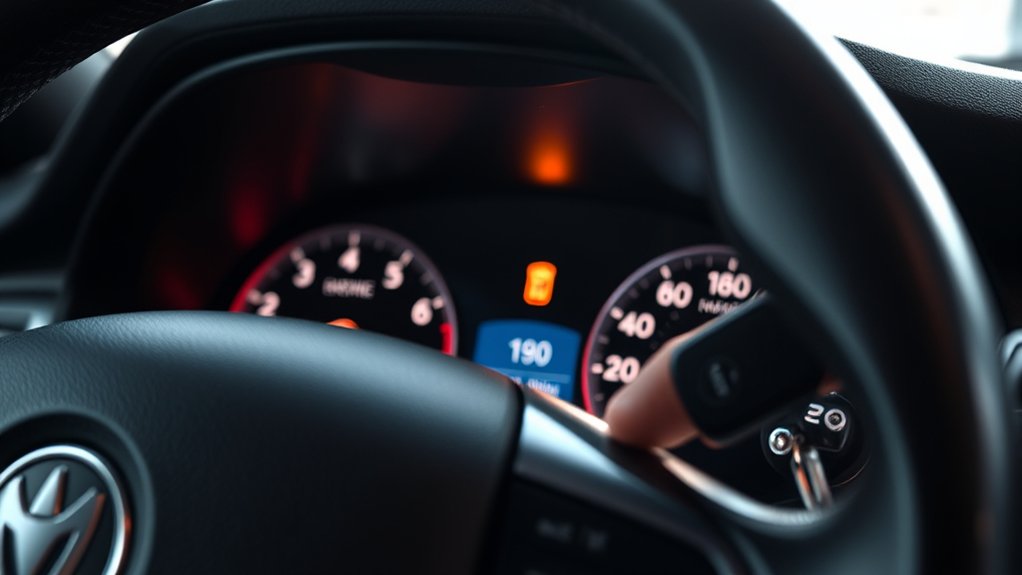
How can you determine if your engine light needs resetting after an oil change? First, observe engine light symptoms closely. If the light remains on steadily or blinks, it signals a system alert, often linked to oil change indicators.
Your vehicle’s onboard diagnostics detect oil quality and level changes, triggering the engine light. After completing the oil change, verify the oil reset procedure is executed; otherwise, the light stays illuminated.
Additionally, check your dashboard for any specific oil change indicators that may require manual reset. If the engine light activates without other symptoms like rough idling or decreased performance, it usually means the system simply needs a reset.
Confirming these signs will help you decide whether resetting the engine light is necessary to restore normal operation.
Simple Ways to Reset Your Engine Light After an Oil Change
Once you’ve identified that the engine light requires resetting after an oil change, you can apply several straightforward methods to clear the alert. First, disconnect the car battery for about 15 minutes to reset the computer. Alternatively, you can turn the ignition key to the “on” position three times in quick succession.
Always make sure your oil change was conducted properly to avoid persistent warning signs. Follow these maintenance tips to prevent false alerts.
| Method | Instructions |
|---|---|
| Battery Disconnect | Unplug negative terminal, wait 15 minutes |
| Ignition Cycle | Turn key “on” and “off” three times quickly |
| Drive Cycle | Drive for 10-15 minutes to auto reset |
| Oil Reset Button | Use if vehicle has dedicated reset switch |
These technical steps help you manage the engine light efficiently after an oil change.
How to Use a Diagnostic Tool to Reset Your Engine Light
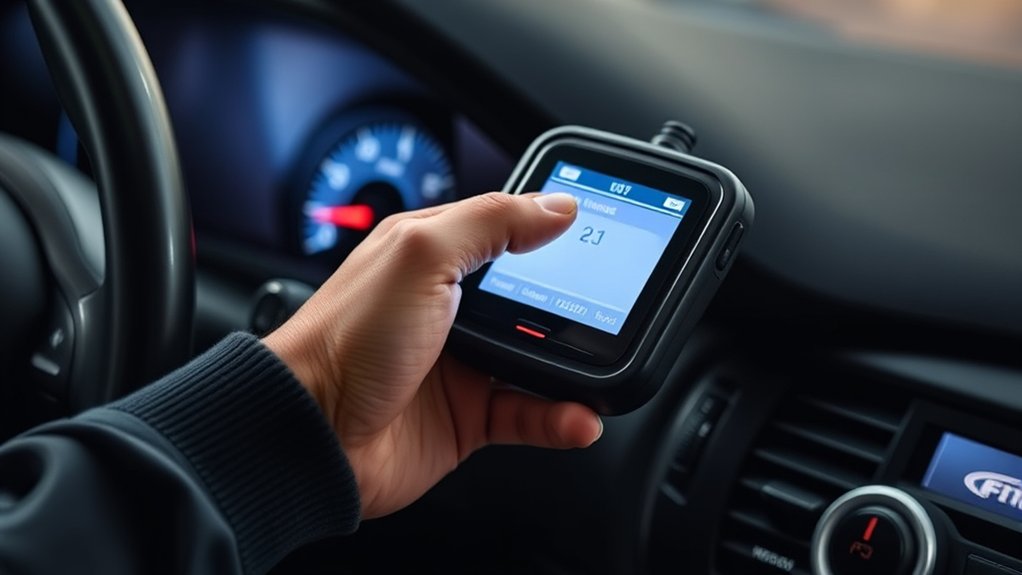
Connect a diagnostic tool to your vehicle’s OBD-II port to quickly identify and clear engine light codes after an oil change. First, power on the diagnostic tool and allow it to communicate with your vehicle’s ECU.
Use the diagnostic tool features to scan for common error codes related to the oil change, such as P0520 (oil pressure sensor) or P06DD (oil level sensor). Once the tool displays the codes, navigate to the “Clear Codes” or “Erase Codes” option.
Confirm the reset command to clear the stored fault codes, which will turn off the engine light if no other issues exist. Finally, disconnect the diagnostic tool and start the engine to verify the light remains off, ensuring the reset was successful.
What to Do When Your Engine Light Won’t Turn Off
If clearing the codes with a diagnostic tool doesn’t turn off the engine light, further investigation is necessary. Start by reviewing common engine light causes such as loose gas caps, faulty sensors, or incomplete oil resets.
Use troubleshooting tips like checking the oil reset procedure was correctly completed and verifying the oil level. Inspect the gas cap for tightness and damage, as this often triggers the light.
Check the oil reset and level, and ensure the gas cap is secure and undamaged.
Next, examine sensor connections for corrosion or disconnections. If these steps don’t resolve the issue, consider scanning for persistent trouble codes that indicate mechanical or electronic faults.
In some cases, a professional diagnostic is required to address underlying problems. Follow these steps systematically to identify and correct the cause, ensuring the engine light turns off properly.
Frequently Asked Questions
Can Resetting the Engine Light Affect My Car’s Warranty?
Resetting the engine light won’t void your warranty coverage if you perform proper engine diagnostics first.
Always follow manufacturer guidelines to guarantee accurate diagnostics, so you avoid triggering warranty issues or masking underlying problems that need professional attention.
How Often Should I Change My Oil to Avoid Engine Light Issues?
Ironically, ignoring oil change frequency invites engine light drama. You should change oil every 3,000 to 7,500 miles, depending on your vehicle.
Follow engine maintenance tips precisely to prevent warnings and guarantee peak performance.
Is It Safe to Drive With the Engine Light on After an Oil Change?
You can drive briefly with the engine light on after an oil change, but run engine diagnostics promptly.
Don’t ignore warning signs; unresolved issues may cause damage. Reset the light once diagnostics confirm no faults remain.
Will Resetting the Engine Light Improve My Car’s Fuel Efficiency?
Resetting the engine light alone won’t improve fuel efficiency. You’ll need accurate engine diagnostics to identify issues.
Follow fuel efficiency tips like maintaining proper tire pressure and timely oil changes for measurable improvements.
Can Other Maintenance Tasks Trigger the Engine Light Besides Oil Changes?
Think of your engine light as a vigilant watchdog; yes, tasks like spark plug replacement or air filter changes can trigger it.
Faulty oil sensors or engine diagnostics often pinpoint issues needing your technical attention promptly.
Conclusion
After an oil change, resetting your engine light is essential to guarantee accurate system monitoring. Did you know that nearly 30% of engine light alerts are related to maintenance resets like this? Ignoring it can mask real issues.
Follow the outlined methods—manual reset, diagnostic tool, or professional help—to keep your engine’s performance ideal. If the light won’t turn off, don’t hesitate to investigate further or seek expert diagnostics.
To avoid costly repairs, always remember how to reset engine light after oil change and ensure your vehicle stays in top condition.