To reset your Jeep Wrangler radio, start by turning the ignition to accessory mode without starting the engine.
Then, press and hold the power button for about 10 seconds until the system restarts and clears minor glitches.
After a battery change, make sure to reconnect the terminals securely.
Repeat the reset process to guarantee stable power to the radio.
If prompted, enter your radio’s security code using the preset buttons.
For persistent issues or a full factory reset, understanding troubleshooting steps and reset options can help maintain peak radio performance.
Key Takeaways
- Turn the ignition to the accessory position and hold the radio power button for about 10 seconds to reset the radio.
- After a battery change, reconnect terminals securely, turn ignition on, then hold the radio power button to reset.
- Enter the radio security code using preset buttons to restore functionality after a reset or power loss.
- Inspect wiring, connectors, and antenna if the radio does not reset or if reception and sound issues persist.
- Perform a factory reset for unresponsive touchscreens or persistent glitches, but back up data as it erases custom settings.
How to Reset Your Jeep Wrangler Radio
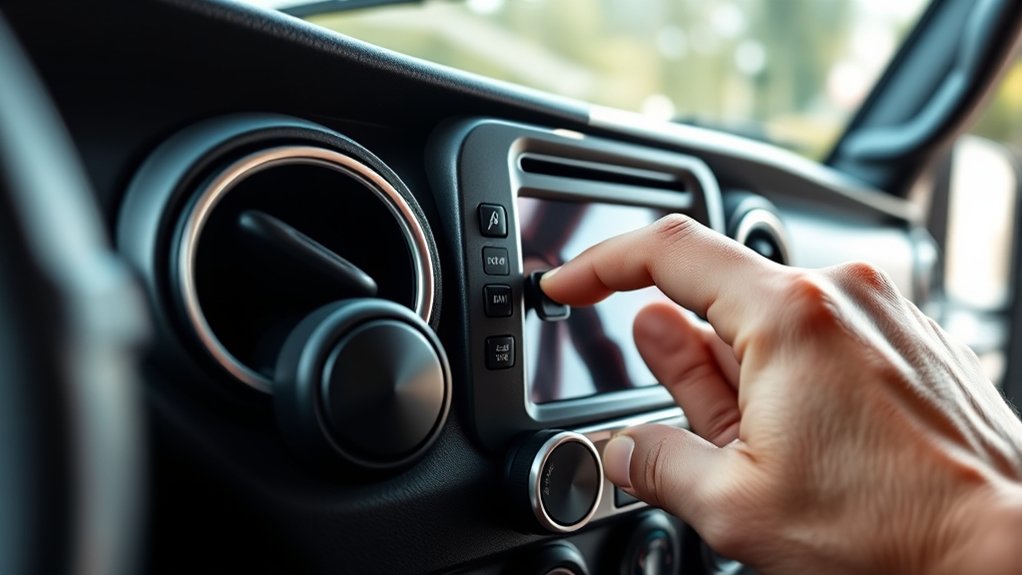
To reset your Jeep Wrangler radio, start by turning the ignition to the accessory position without starting the engine. Next, press and hold the power button on the radio for about 10 seconds until the display resets or the system restarts.
This action clears minor glitches and restores default radio settings without affecting saved audio preferences. If your radio has a touchscreen, navigate to the settings menu and select the option to reset or restore factory defaults.
This guarantees all custom radio settings revert to original configurations, allowing you to recalibrate your audio preferences cleanly. Avoid disconnecting the battery during this process, as it may trigger a different reset sequence.
Performing these steps will help you efficiently reset your Jeep Wrangler radio while preserving essential user configurations.
How to Reset Your Radio After a Battery Change or Power Loss
Three essential steps help you reset your Jeep Wrangler radio after a battery change or power loss. First, confirm proper battery maintenance by disconnecting and reconnecting the battery terminals securely.
Next, verify the vehicle’s electrical systems are functioning; a stable power supply is critical for radio reset. Finally, perform the reset by turning the ignition to the “On” position without starting the engine, then press and hold the radio power button for several seconds until it restarts.
| Step | Action | Purpose |
|---|---|---|
| 1 | Disconnect/Reconnect Battery | Confirm stable power supply |
| 2 | Check Electrical Systems | Validate system functionality |
| 3 | Power On & Hold Radio Button | Initiate radio reset process |
Following these steps confirms your radio resets efficiently after power interruptions.
How to Enter Your Jeep Radio Security Code
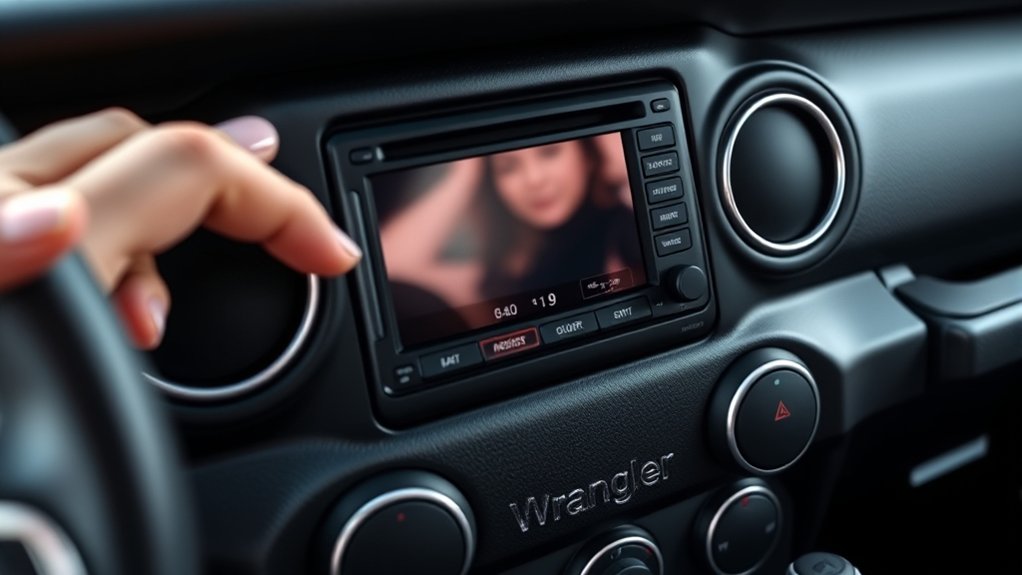
To disengage your Jeep radio, first locate the security code, which is usually found in your owner’s manual or on a card in the glove compartment.
Once you have the code, power on the radio and use the preset buttons to enter the digits precisely. After inputting the full code, confirm it to restore radio functionality.
Locating Your Radio Code
Anyone resetting a Jeep Wrangler radio will need the radio security code to reactivate the system. This code protects your radio from unauthorized use after restoring factory settings or disconnecting the battery.
To locate your radio security code, first check the user manual or the original radio documentation, where manufacturers often print a unique code on a card or sticker. If you don’t have the manual, code retrieval may require you to note your radio’s serial number, usually visible by removing the radio unit or through the vehicle’s service menu.
With the serial number, contact a Jeep dealership or official support to obtain the correct radio security code. Keep this code secure, as repeated incorrect entries may lock the radio permanently.
Inputting The Security Code
How do you enter the radio security code on your Jeep Wrangler? First, verify the ignition is on but the engine is off. Display the radio’s locked screen, then use the preset buttons to input the security code carefully.
Each button press corresponds to a digit; for example, button 1 for digit 1. After entering the full code, press and hold the “Enter” or “AM/FM” button until the radio activates.
If you input the wrong code multiple times, the system may lock temporarily. Observe all security precautions to avoid this. If you don’t have your code, proceed with code retrieval by checking your owner’s manual, dealership records, or contacting Jeep customer support.
Accurate code entry restores radio function without triggering security locks.
How to Troubleshoot Jeep Wrangler Radio Reset Issues
Although resetting your Jeep Wrangler radio often resolves common glitches, you may encounter persistent issues that require further troubleshooting. To address these, follow these steps:
- Check for Radio Connection Problems: Inspect wiring and connectors for damage or loose contacts, applying wiring inspection tips to guarantee solid connections.
- Evaluate Audio Quality Concerns: Perform speaker malfunction checks to identify blown or disconnected speakers impacting sound clarity.
- Troubleshoot Display Errors: Verify display functionality and reset the interface; corrupted software may require reinstallation.
- Assess Antenna Reception Issues: Confirm antenna integrity and positioning to eliminate weak signal causes.
Additionally, review software update processes to keep firmware current and resolve software-related common radio issues efficiently. This methodical approach helps isolate faults without premature factory resets.
When to Do a Factory Reset on Your Jeep Radio
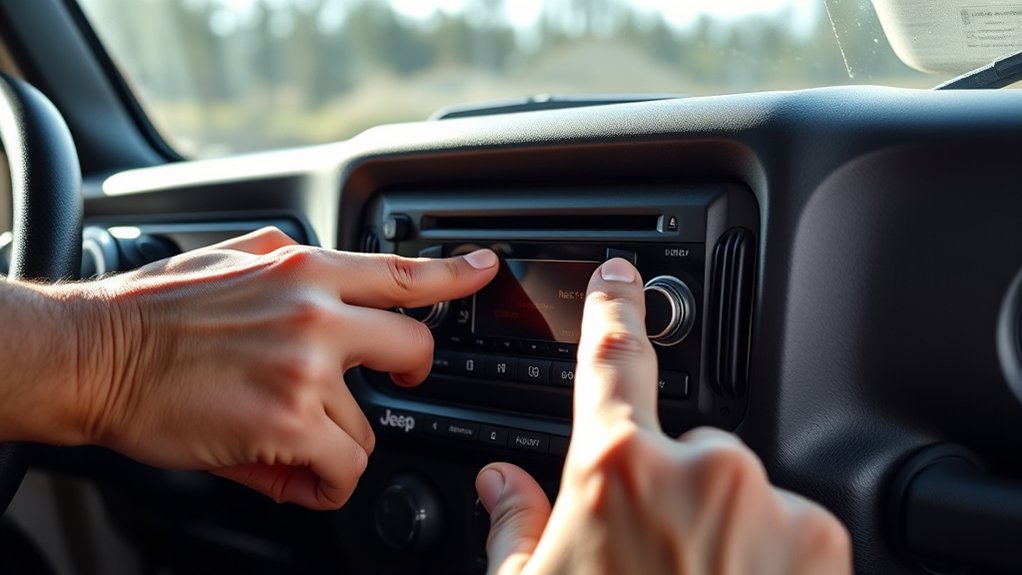
If your Jeep Wrangler radio continues to malfunction after standard troubleshooting, performing a factory reset can restore its original settings and clear persistent software errors. You should consider factory reset reasons such as unresponsive touchscreens, frequent freezes, or failure to load presets.
Additionally, if software updates haven’t resolved glitches or if audio quality degrades considerably, a factory reset can help. This process erases customized settings, so back up any important data beforehand.
Factory resets often lead to notable radio performance improvement by eliminating corrupted files and resetting system parameters to default. Use this step as a last resort when simpler fixes fail, ensuring your radio operates smoothly and reliably moving forward.
Tips to Avoid Radio Freezes and Glitches in Your Jeep
To prevent your Jeep Wrangler radio from freezing or glitching, you need to maintain its software and hardware regularly. Address common issues proactively with these radio maintenance tips:
- Update Firmware: Regularly install manufacturer updates to fix bugs and improve system stability.
- Check Wiring Connections: Verify all cables and connectors are secure and free from corrosion to avoid signal interruptions.
- Avoid Overloading: Limit simultaneous Bluetooth and USB device connections to reduce system strain.
- Perform Soft Resets: Periodically reboot the radio to clear temporary glitches without a full factory reset.
Following these steps helps you avoid common issues and keeps your radio running smoothly. Consistent maintenance reduces the risk of freezes or malfunctions, guaranteeing reliable performance during every drive.
Frequently Asked Questions
What Radio Models Are Compatible With Jeep Wrangler Vehicles?
You’ll find Jeep Wrangler compatible radios from brands like Alpine, Pioneer, and Kenwood, featuring Bluetooth, touchscreen, and navigation. Focus on radio features matching your needs and follow installation tips carefully for a seamless upgrade and ideal performance.
Can I Upgrade My Jeep Wrangler Radio System Myself?
Why wait for a pro when you can master your Jeep’s soundscape? With DIY installation and quality aftermarket options, you can upgrade your radio system efficiently.
Save money while enhancing your Wrangler’s audio experience precisely.
How Do I Connect My Jeep Radio to Bluetooth Devices?
You connect your Jeep radio to Bluetooth devices by enabling Bluetooth pairing in Audio settings, ensuring device compatibility.
If you face connection issues, restart both devices, clear the paired devices list, and try pairing again for a stable connection.
What Are the Warranty Terms for Jeep Wrangler Radios?
Your Jeep Wrangler radio warranty coverage typically lasts 3 years or 36,000 miles, protecting against defects. It guarantees sustained audio quality by covering repairs or replacements for hardware failures during this period.
Are There Any Apps to Control the Jeep Wrangler Radio Remotely?
Remote control apps for Jeep Wrangler radios act like a magic wand, letting you adjust radio functionality features from your phone.
Apps like Uconnect let you control volume, stations, and media playback remotely with ease and precision.
Conclusion
Resetting your Jeep Wrangler radio may seem tricky, but with the right steps, you’ll have it back in working order in no time. Always keep your security code handy to avoid getting stuck.
If glitches persist, consider a factory reset as a last resort. Remember, an ounce of prevention is worth a pound of cure—regular maintenance and careful handling can save you from future headaches.
Following these tips will help keep your audio system running smoothly and make resetting your Jeep Wrangler radio a straightforward process.