If you’ve just changed the oil on your Honda Odyssey, you’ll need to reset the oil change light to ensure accurate maintenance tracking. Resetting the oil change light on a Honda Odyssey involves verifying oil levels, using the ignition, and specific dashboard controls. The exact steps may vary slightly depending on your model year.
Getting this right helps maintain your vehicle’s performance and avoids unnecessary alerts. If you encounter issues, understanding the correct steps becomes essential to properly reset the light and keep your Odyssey running smoothly.
Key Takeaways
- Turn the ignition to the ON position without starting the engine to begin the reset process.
- Locate and press the oil life reset button near the instrument cluster or dashboard panel.
- Hold the reset button for about 10 seconds until the oil life indicator blinks or resets to 100%.
- For 2011-2017 models, press the select/reset knob with ignition ON; 2018+ may require touchscreen or button use.
- If the light persists, check oil quality, sensor connections, and consult the manual or a technician if needed.
How to Check If the Oil Change Light Needs Resetting
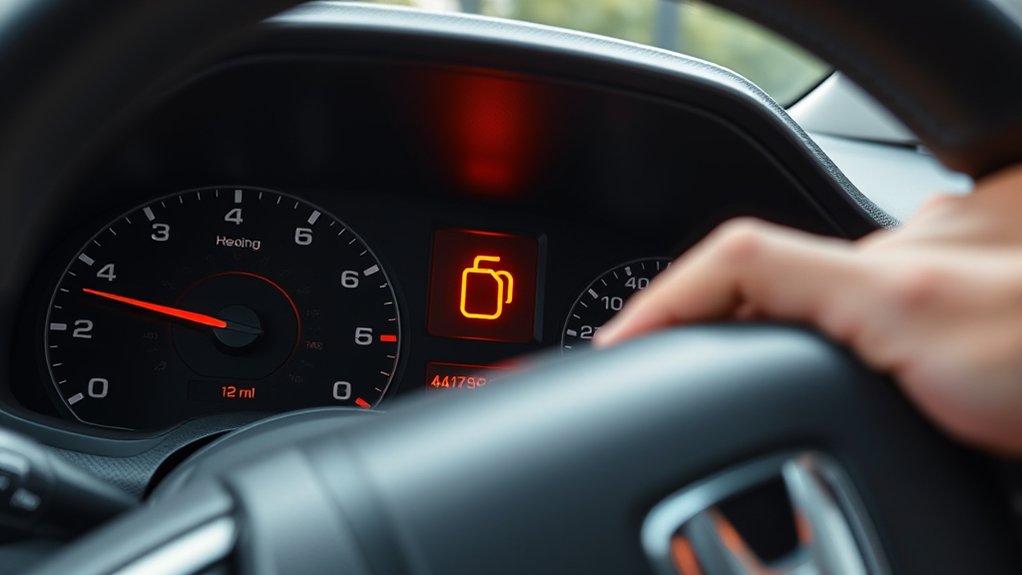
How can you tell if the oil change light on your Honda Odyssey actually needs resetting? Start by checking oil levels and quality. Use the dipstick to measure oil quantity; low levels may trigger the light.
Inspect the oil’s color and consistency. Dark, gritty oil signals a change is necessary. Next, focus on inspecting indicators on your dashboard.
If the oil change light remains on after an oil change, it likely requires resetting rather than indicating a new problem. Ensure the engine is off when inspecting the indicators closely.
Cross-reference the maintenance schedule in your owner’s manual to confirm if an oil change is due. By accurately checking oil and inspecting indicators, you can determine if the light signals an actual issue or simply needs resetting.
How to Reset the Oil Change Light on Your Honda Odyssey
Once you’ve confirmed that the oil change light remains on despite fresh oil and proper levels, resetting the indicator is your next step. Begin by turning the ignition to the ON position without starting the engine.
Locate the oil life reset button on your Honda Odyssey’s dashboard. Press and hold this button for about 10 seconds until the oil life indicator starts to blink or resets to 100%. This action confirms the system recognizes the recent oil change.
Using Dashboard Controls to Reset the Oil Change Light
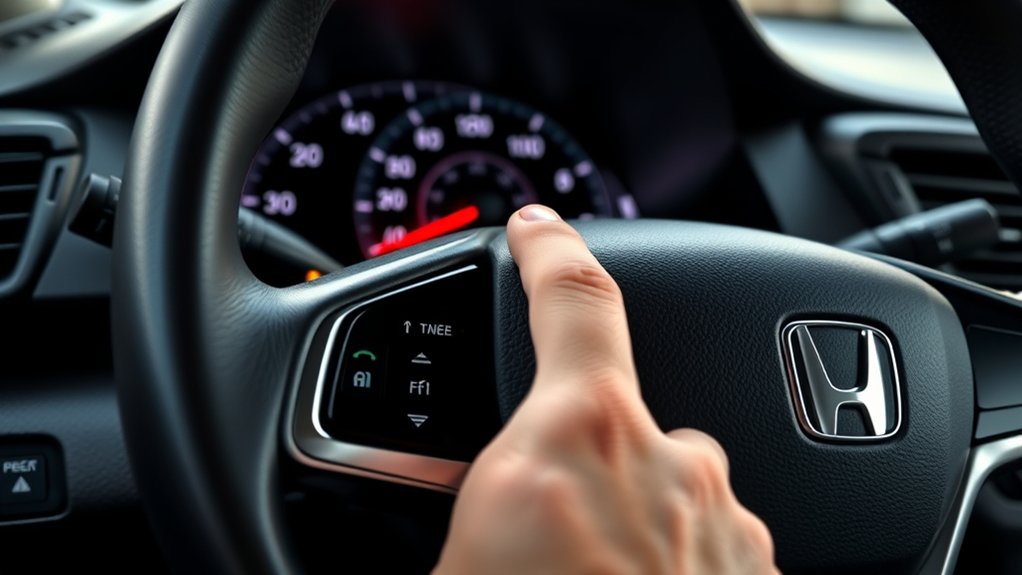
You’ll start by locating the oil life reset button on your Honda Odyssey’s dashboard, usually near the instrument cluster. Next, follow a specific sequence involving turning the ignition on and pressing the button to initiate the reset.
This straightforward process clears the oil change light and updates the maintenance system.
Locating The Reset Button
Where exactly is the reset button for the oil change light on your Honda Odyssey? It’s not an unrelated topic or a random discussion. Finding it is essential to reset the indicator properly. The reset button is typically integrated with the dashboard controls, often near the instrument cluster or on the steering wheel.
| Location Area | Description |
|---|---|
| Instrument Cluster | Small button near the speedometer |
| Steering Wheel | Multi-function button on the side |
| Dashboard Panel | Button labeled “Reset” or “Info” |
Check your specific model’s manual since button placement varies slightly by year. Knowing the exact reset button location lets you avoid unrelated topic detours and focus on the reset process efficiently.
Step-by-Step Reset Process
How do you reset the oil change light on your Honda Odyssey using the dashboard controls? First, ensure your vehicle is in the “ON” position without starting the engine. Locate the reset button on the dashboard, usually near the instrument cluster.
Press and hold the button until the oil change light starts blinking. Continue holding for approximately 10 seconds until the light turns off, indicating the reset is complete. This process is crucial for maintaining accurate maintenance routines.
Remember, regularly check your battery health as a weak battery can interfere with dashboard functions and reset procedures. After resetting, start the engine to confirm the oil change light remains off.
Following these steps precisely ensures your Honda Odyssey’s maintenance system accurately tracks oil changes, supporting optimal engine performance.
Resetting the Oil Change Light by Honda Odyssey Model Year
Why does the procedure to reset the oil change light vary across Honda Odyssey model years? Different model years incorporate varied onboard computer systems and dashboard interfaces, which affect the reset steps. Being aware of these differences ensures an accurate reset without relying on generic dating tips or travel ideas unrelated to vehicle maintenance.
Reset steps differ due to varying onboard systems and dashboards across Honda Odyssey model years.
Here’s a concise breakdown by model year:
- 1999-2004: Use the trip button and ignition sequence to reset.
- 2005-2010: Navigate the multi-information display menus.
- 2011-2017: Press the select/reset knob with ignition on.
- 2018-present: Utilize touchscreen settings or physical buttons per the owner’s manual.
Following these specific steps per year guarantees a precise oil change light reset for your Odyssey.
Troubleshooting When the Oil Change Light Won’t Reset

When your Honda Odyssey’s oil change light won’t reset, it signals a potential issue with the reset procedure or the vehicle’s sensor system. First, double-check you’ve followed the specific reset steps for your model year.
If the light persists, inspect the oil level and quality; an improper oil change can prevent reset. Also, verify the oil sensor’s connection. Loose wiring or a faulty sensor can trigger false alerts.
While troubleshooting, remember that regular maintenance, like tire maintenance, ensures overall vehicle health but won’t affect the oil light directly. Interestingly, just as pet care requires consistent attention to details, your Odyssey needs precise maintenance routines to avoid sensor errors.
If problems continue, consult a professional technician to diagnose sensor malfunctions or electronic faults accurately.
Why Resetting the Oil Change Light Matters for Your Honda Odyssey
Have you considered the impact of ignoring the oil change light on your Honda Odyssey? Resetting this indicator promptly ensures you maintain optimal engine performance and avoid costly repairs.
Ignoring your Honda Odyssey’s oil change light risks engine damage; reset it promptly to maintain performance and avoid costly repairs.
The oil change light isn’t just a reminder; it signals when your engine oil has degraded and requires replacement. Neglecting it can lead to inadequate lubrication, increased wear, and potential engine failure.
Pay close attention to the oil change light as you do to undervolting attention in electronics or monitoring tire pressures for safety. Ignoring these signs compromises system integrity.
- Maintains engine efficiency and longevity
- Prevents sludge buildup and overheating
- Ensures accurate vehicle maintenance records
- Avoids triggering warning systems that affect performance
Resetting the oil change light keeps your Odyssey running smoothly and reliably.
How to Avoid Oil Change Light Issues After Service
How can you prevent the oil change light from reappearing unnecessarily after servicing your Honda Odyssey? Start by using high-quality oil that meets Honda’s specifications, as inferior oil can trigger false sensor readings.
Always reset the oil change light properly following the service to ensure the onboard computer recognizes the update. Maintain consistent engine maintenance by checking oil levels and filter conditions regularly between changes.
Avoid overfilling or underfilling oil, as this can cause sensor malfunctions. Additionally, inspect the oil life sensor during service to confirm it’s functioning correctly and replace it if damaged.
Properly calibrating the system and using correct oil quality are essential steps to prevent recurring oil change light issues, ensuring your Honda Odyssey’s engine maintenance system operates reliably.
Frequently Asked Questions
What Type of Oil Is Best for a Honda Odyssey?
You should use 5W-20 oil viscosity for your Honda Odyssey. Synthetic oil offers better protection and longevity compared to conventional, especially under extreme temperatures and driving conditions, making it the preferred choice for ideal engine performance.
How Often Should I Change the Oil in My Odyssey?
You should follow oil change intervals of every 7,500 to 10,000 miles, depending on driving conditions. Always use oil type recommendations specified in your manual, typically 0W-20 synthetic oil, to maintain engine performance and longevity.
Can I Reset the Oil Change Light Without Driving the Car?
Yes, you can reset the oil change light without driving by following the reset procedure. Use the dashboard indicators to access the maintenance menu, then hold the reset button until the oil light blinks and turns off.
Does Resetting the Oil Change Light Affect My Warranty?
Resetting the oil change light won’t void your warranty, but be aware of warranty implications if maintenance records aren’t accurate.
Dealers might access data, so ensure proper service documentation to maintain dealer data privacy and warranty coverage.
What Are Signs of Low Oil Besides the Oil Change Light?
You’ll notice low oil pressure on your gauge or warning light. Also, check for oil leaks under your vehicle and listen for engine knocking or rough idling. These indicate insufficient lubrication due to low oil levels or pressure.
Conclusion
Resetting your Honda Odyssey’s oil change light isn’t just a routine task—it’s your vehicle’s way of communicating crucial maintenance info. Ignoring it is like skipping the engine’s heartbeat check. By following the precise steps tailored for your model year, you assure accurate tracking of oil life and peak engine performance.
Don’t let a simple reset become a complex problem; stay proactive and keep your Odyssey running smoothly. Timely oil change light resets are essential to maintaining your vehicle’s health and performance. Remember, knowing how to reset oil change light on Honda Odyssey helps you stay on top of important maintenance and avoid costly repairs.