To connect Apple CarPlay in your Jeep Wrangler, first confirm that your model supports this feature. Typically, Jeep Wranglers from 2018 onwards with Uconnect 4 and an 8.4-inch touchscreen are compatible.
Prepare your iPhone by enabling Siri, Bluetooth, and Wi-Fi. Then, connect your phone using a USB cable, or set up wireless CarPlay if your device supports iOS 13 or later.
Follow the on-screen prompts on your Wrangler’s infotainment system to complete the connection. You can also customize the settings to enhance your comfort and usability.
For a smoother experience and troubleshooting tips, more detailed guidance is available to help you get the most out of Apple CarPlay in your Jeep Wrangler.
Key Takeaways
- Confirm your Jeep Wrangler model (2018 or newer) has Uconnect 4 with an 8.4-inch touchscreen or larger for Apple CarPlay support.
- Prepare your iPhone by enabling Siri, Bluetooth, Wi-Fi, and ensuring it appears in CarPlay settings under “General.”
- Connect Apple CarPlay via a compatible USB cable plugged into the Jeep’s USB port marked with a CarPlay icon.
- For wireless CarPlay, pair your iPhone via Bluetooth, enable Wi-Fi, and activate wireless CarPlay in the Jeep’s infotainment system.
- Follow on-screen prompts on the Jeep’s touchscreen to complete setup and customize CarPlay settings as needed.
Check If Your Jeep Wrangler Supports Apple CarPlay
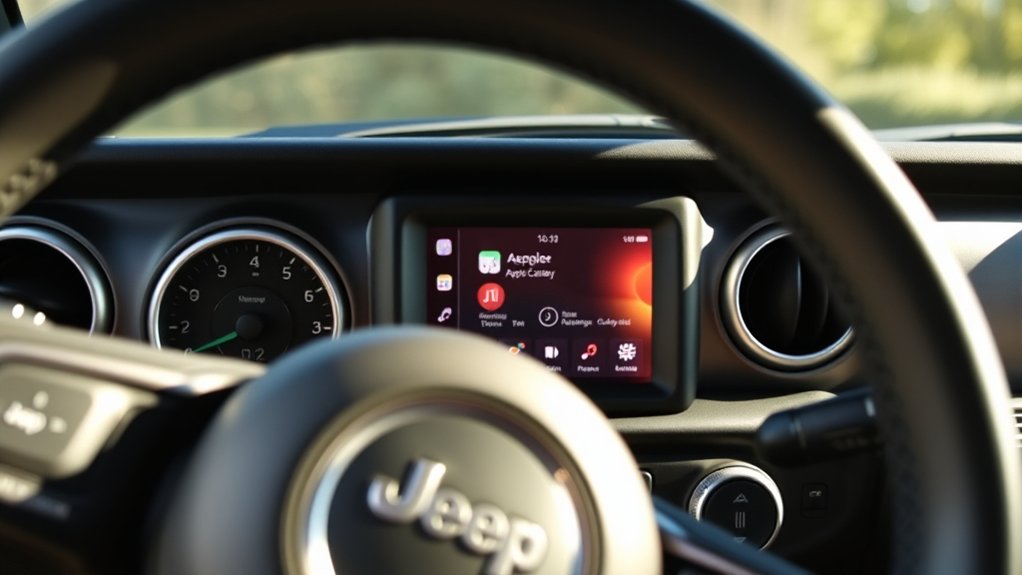
How can you tell if your Jeep Wrangler supports Apple CarPlay? First, check the model year and infotainment system. Jeep compatibility with Apple features generally starts from the 2018 Wrangler with the Uconnect 4 or newer systems.
If your Wrangler has the 8.4-inch touchscreen or larger, it likely supports CarPlay. Access the settings menu on your infotainment screen, and look for the Apple CarPlay option under smartphone integration. If it’s present, your vehicle is compatible.
Additionally, consult your owner’s manual or Jeep’s official website, where specific trims and system versions are listed with Apple CarPlay support. Confirming Jeep compatibility guarantees you can utilize Apple features seamlessly, enhancing navigation, communication, and entertainment through your iPhone.
Get Your iPhone Ready for Apple CarPlay in Your Jeep Wrangler
Once you’ve confirmed that your Jeep Wrangler supports Apple CarPlay, the next step is preparing your iPhone for integration. Start by accessing your iPhone and finding your way to the Settings app. Tap “General,” then select “CarPlay.”
Here, you’ll see available vehicles; make sure your Jeep Wrangler appears on this list. If it’s not listed, you’ll add it once connected. Next, review your iPhone settings to enable Siri, as voice commands are essential for hands-free CarPlay features.
Also, verify that your iPhone’s Bluetooth and Wi-Fi are turned on, since CarPlay relies on these connections. Finally, check that your iOS version supports CarPlay, updating to the latest version if necessary to guarantee compatibility and access to all CarPlay features when you connect to your Jeep Wrangler.
Connect Apple CarPlay via USB Cable in Your Jeep Wrangler
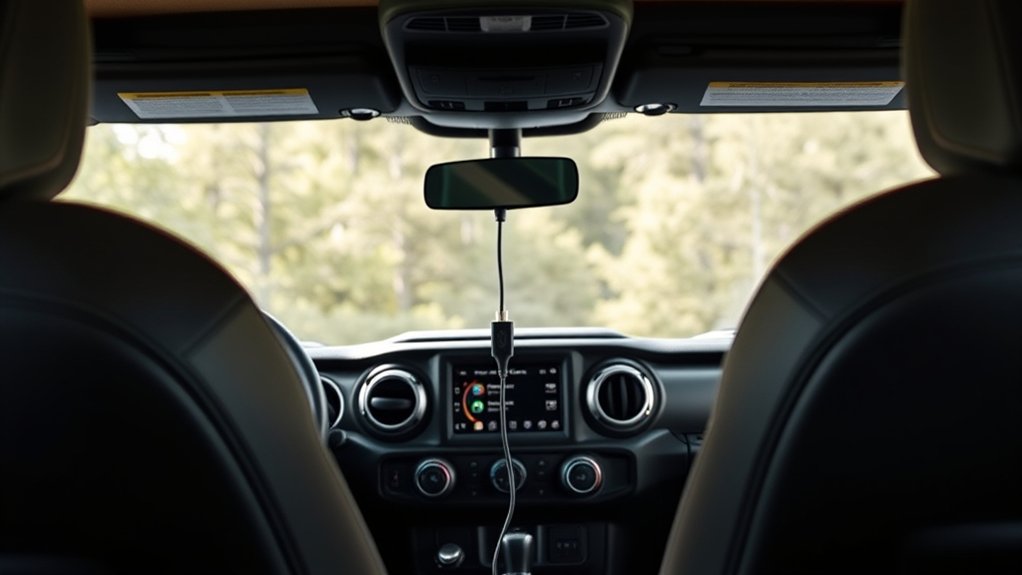
To connect Apple CarPlay in your Jeep Wrangler, you’ll need a compatible USB cable, typically a Lightning to USB-A or USB-C cable depending on your model. Start by plugging the cable into your iPhone and the Jeep’s USB port labeled with a smartphone or CarPlay icon.
Then, follow the on-screen prompts on your Wrangler’s infotainment system to complete the connection.
Required USB Cable Types
Selecting the right USB cable is essential for a seamless Apple CarPlay connection in your Jeep Wrangler. You’ll need a USB cable that supports both data transfer and power delivery, typically a USB-A to Lightning cable for most iPhones.
Opt for cables made with high-quality materials to guarantee durability and stable signal transmission. Pay close attention to USB cable types; USB 2.0 cables usually suffice, but USB 3.0 or higher can offer faster data rates.
Also, consider the cable length. Choose one long enough to reach comfortably from your phone to the Jeep’s USB port without excess slack that could tangle or wear. Avoid cheap or uncertified cables, as they might cause intermittent connectivity or slow charging, disrupting your Apple CarPlay experience.
Step-by-Step Connection Process
Although connecting Apple CarPlay in your Jeep Wrangler is straightforward, following each step carefully confirms a reliable and responsive setup. Proper connection maximizes CarPlay benefits and enhances your overall user experience.
- Plug in the USB Cable: Use the recommended USB cable and connect it to the Jeep Wrangler’s designated USB port, usually marked with a smartphone icon or labeled “CarPlay.”
- Access Your iPhone: Make sure your iPhone is accessible to allow the infotainment system to detect it.
- Accept Prompts on Screen: When the Jeep’s display prompts, select “Apple CarPlay” and grant necessary permissions on your iPhone to enable full functionality.
Following these steps confirms seamless integration and optimizes your driving experience with CarPlay’s intuitive interface.
Set Up Wireless Apple CarPlay in Your Jeep Wrangler
First, make sure both Bluetooth and Wi-Fi are enabled on your iPhone and your Jeep Wrangler’s infotainment system. Next, pair your iPhone with the vehicle by selecting it from the Jeep’s Bluetooth menu.
Once paired, activate Wireless Apple CarPlay through the infotainment settings to start using it without a cable.
Enable Bluetooth And Wi-Fi
To set up wireless Apple CarPlay in your Jeep Wrangler, you need to enable both Bluetooth and Wi-Fi on your iPhone and vehicle system. Start by accessing the Bluetooth settings on your iPhone and Jeep’s Uconnect system, making sure both are visible.
Next, verify your Wi-Fi preferences to confirm the iPhone can connect to your Jeep’s hotspot or network. Follow these steps:
- On your iPhone, go to Settings > Bluetooth and toggle it on.
- On the Jeep’s infotainment screen, navigate to the connectivity menu and enable Bluetooth.
- Access your iPhone’s Wi-Fi preferences, select your Jeep’s network, and confirm the connection.
This dual activation guarantees seamless communication, enabling wireless Apple CarPlay functionality without cables.
Pair Your iPhone
Begin pairing your iPhone by accessing the Bluetooth settings on both your device and your Jeep’s Uconnect system. Verify your iPhone meets CarPlay compatibility requirements, running iOS 13 or later, and confirm that your Jeep Wrangler supports wireless CarPlay.
On your iPhone, tap “Bluetooth,” then select your Jeep’s Uconnect name from the list of available devices. Confirm the pairing code displayed on both screens to establish a secure connection.
This step is essential for activating CarPlay benefits such as hands-free navigation, voice control via Siri, and seamless app integration. Keep your iPhone accessible and nearby during this process to avoid interruptions.
Once paired, your Jeep will remember your device, simplifying future connections and enhancing your wireless CarPlay experience.
Activate CarPlay Wirelessly
Setting up wireless Apple CarPlay in your Jeep Wrangler requires enabling both Bluetooth and Wi-Fi on your iPhone and the Uconnect system. This wireless technology eliminates cables, enhancing convenience features for safer, hands-free use.
To activate wireless CarPlay:
- On your Jeep’s Uconnect screen, go to “Settings” > “Connectivity” > “Apple CarPlay” and enable wireless connection.
- On your iPhone, open “Settings” > “General” > “CarPlay,” select your Jeep, then choose “Connect Wirelessly.”
- Confirm the connection prompt on both devices to establish a secure link.
Once connected, your Jeep automatically pairs via wireless tech each time you enter the vehicle, streamlining access to navigation, calls, and music without plugging in.
Customize Apple CarPlay Settings on Your Jeep
Although Apple CarPlay works seamlessly once connected, customizing its settings on your Jeep Wrangler can greatly enhance your driving experience. You’ll find various customization options in your Jeep’s infotainment system that align with your user preferences, allowing you to tailor CarPlay for intuitive access and safety.
| Setting | Description |
|---|---|
| App Layout | Rearrange app icons to prioritize your favorites |
| Do Not Disturb | Silence notifications while driving |
| Siri Feedback | Choose between voice or text-based feedback |
| Wallpaper | Select custom backgrounds to personalize display |
Access these settings via “Settings” > “General” > “CarPlay” on your iPhone or through your Jeep’s touchscreen. Adjusting these parameters guarantees your CarPlay interface fits your needs and driving style perfectly.
Top Apple CarPlay Apps for Jeep Wrangler Drivers
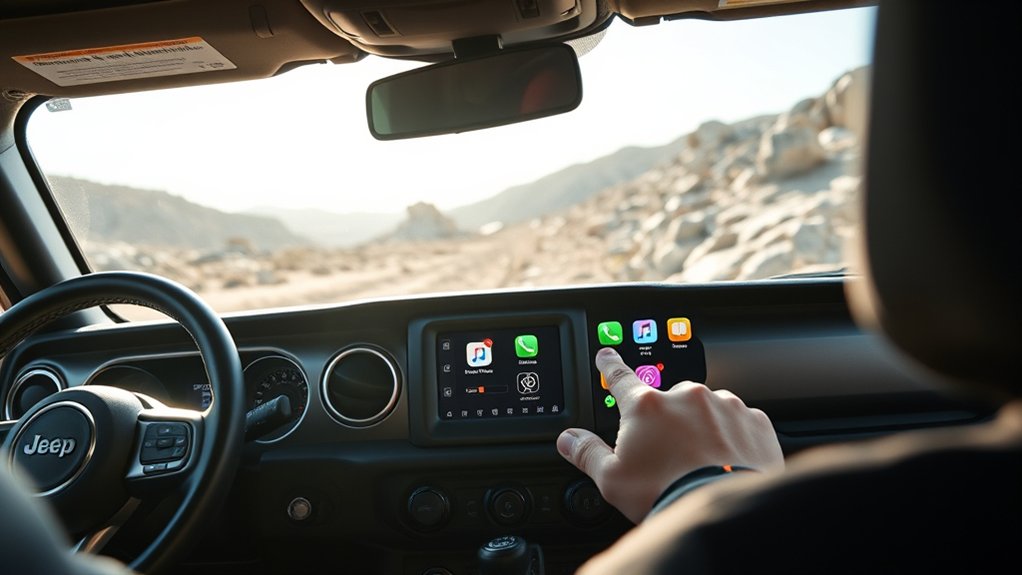
Once you’ve tailored Apple CarPlay to suit your preferences, you can maximize its utility by selecting the right apps for your Jeep Wrangler. Choosing apps that enhance driving safety and convenience is key.
Tailor Apple CarPlay to your needs and choose apps that boost safety and convenience for your Jeep Wrangler.
- Navigation Apps: Use Apple Maps or Waze for real-time traffic updates and off-road routing. These apps integrate seamlessly, helping you navigate challenging terrains with precision.
- Music Streaming & Podcast Players: Spotify or Apple Music keep your drives enjoyable, while Overcast or Pocket Casts let you catch up on podcasts hands-free.
- Car Maintenance & Weather Apps: Apps like myCARFAX monitor your Jeep’s service needs, and Carrot Weather provides accurate forecasts, essential for off-road planning.
Incorporate messaging tools, productivity apps, and fitness trackers as needed, but prioritize apps that maintain focus and safety while driving.
Troubleshooting Apple CarPlay Issues in Your Jeep Wrangler
If your Apple CarPlay isn’t connecting or behaving as expected in your Jeep Wrangler, you’ll want to methodically identify and resolve common issues to restore seamless functionality. Start by verifying device compatibility and ensuring your iOS and Jeep infotainment system software updates are current.
Connection problems often arise from faulty cables or Bluetooth interference. Use troubleshooting tips like resetting settings or restoring factory settings if issues persist. Consult your user manual for model-specific guidance.
| Issue | Solution |
|---|---|
| Connection problems | Check USB cable; try different port |
| Software updates | Update iOS and infotainment firmware |
| Common errors | Reset settings; restart device |
| Device compatibility | Confirm Jeep model supports CarPlay |
Safety Tips for Using Apple CarPlay in Your Jeep
When you use Apple CarPlay in your Jeep, prioritizing safety assures you stay focused on the road while benefiting from hands-free features. Effective distraction management is vital to prevent accidents and guarantee smooth operation.
Using Apple CarPlay in your Jeep enhances safety by keeping your focus on the road with hands-free convenience.
- Rely on voice commands: Use Siri to control navigation, calls, and messages without taking your hands off the wheel or eyes off the road.
- Set up destinations before driving: Input your route in Apple Maps ahead of time to avoid manual interaction during transit.
- Limit app usage: Restrict CarPlay to essential apps only, minimizing distractions and reducing cognitive load while driving.
Frequently Asked Questions
Can I Use Apple Carplay With Aftermarket Jeep Wrangler Head Units?
Yes, you can use Apple CarPlay with aftermarket options for your Jeep Wrangler. Focus on compatible head units and follow installation tips like ensuring proper wiring and firmware updates for seamless integration and ideal performance.
Does Apple Carplay Work With Jeep Wrangler Roof Removed?
Yes, Apple Carplay connectivity works seamlessly even with your Jeep Wrangler roof removed. Jeep Wrangler features guarantee the system stays connected via USB or wireless, so you won’t lose functionality or signal while enjoying open-air driving.
How Does Apple Carplay Affect My Jeep Wrangler’s Battery Life?
Apple CarPlay slightly increases battery drain by running apps and screen functions, but your Jeep Wrangler’s energy management system limits impact.
To avoid excessive battery drain, disconnect CarPlay when the engine’s off for extended periods.
Can I Use Voice Commands With Apple Carplay in My Jeep Wrangler?
You can use voice recognition features with Apple CarPlay in your Jeep Wrangler, enabling hands-free operation for safer driving.
Studies show 75% of drivers prefer voice commands, so you’ll enjoy seamless control without distractions.
Is Apple Carplay Compatible With Jeep Wrangler Models Before 2018?
Apple Carplay compatibility isn’t available natively on Jeep Wrangler models before 2018. You’ll need an aftermarket infotainment system or adapter to integrate Apple Carplay functionality with older Wrangler models effectively.
Conclusion
Connecting Apple CarPlay in your Jeep Wrangler is like equipping a trusted compass on a rugged trail—guiding you seamlessly through your journey. By ensuring compatibility, preparing your iPhone, and customizing settings, you transform your drive into an intuitive adventure.
Whether you choose a wired or wireless connection, CarPlay enhances your control and safety on the road. If issues arise, troubleshooting acts as your map, keeping you on course.
Embrace these steps to navigate technology with precision and confidence, making the most of Apple CarPlay in your Jeep Wrangler.