To reset your “Change Engine Oil Soon” light, start by turning your ignition to “On” without starting the engine. This is the first step in how to reset change engine oil soon.
Next, locate and press the oil reset or trip button. Hold it for about 10 seconds until the indicator blinks or turns off.
Specific models like Honda, Toyota, Ford, and Nissan have unique sequences, such as pressing pedals or buttons multiple times.
Make sure your oil change is complete before resetting the light.
For a deeper understanding of model-specific methods and troubleshooting, continue exploring.
Key Takeaways
- Turn ignition to “On” without starting the engine and locate the oil reset button on the dashboard or steering wheel.
- Press and hold the oil maintenance/reset button for about 10 seconds until the oil change light blinks or turns off.
- Use the vehicle’s trip or menu button to navigate to the oil maintenance section and hold the reset button to clear the indicator.
- Follow model-specific reset methods, such as holding the trip reset button for Honda or pressing the accelerator three times for Ford.
- If reset fails, verify oil change completion, check for other warning lights, and use an OBD-II scanner to clear maintenance codes.
How to Reset the “Change Engine Oil Soon” Light Quickly
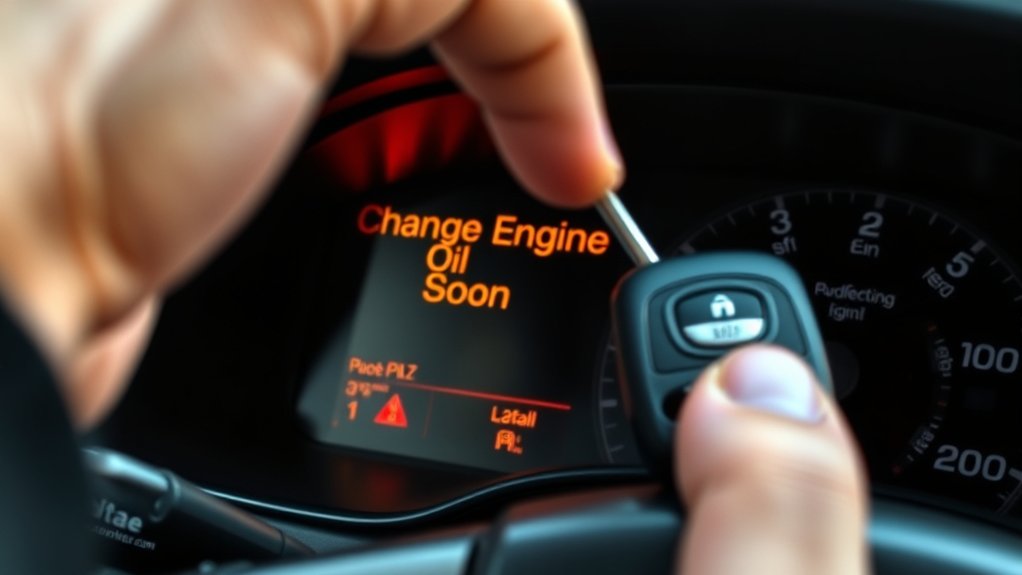
Begin by turning your vehicle’s ignition to the “On” position without starting the engine. This step activates your dashboard alerts system, allowing it to register the reset command.
Next, locate the oil maintenance or reset button, often found on the dashboard or steering wheel controls. Press and hold this button for about 10 seconds until the “Change Engine Oil Soon” light begins to blink or turns off.
If your vehicle lacks a dedicated reset button, consult the owner’s manual for specific sequences involving pedals or buttons. Following these oil maintenance tips guarantees your dashboard alerts accurately reflect current oil status, preventing unnecessary confusion.
Always confirm the light resets before turning off the ignition, then start the engine to verify the alert remains off.
Resetting the Oil Change Light on Popular Car Models
Resetting the oil change light varies across popular car models, but most follow a straightforward procedure involving specific button sequences or ignition cycles. You’ll need to consult your vehicle’s manual for exact steps, but here’s a general guide to help you manage oil change frequency and apply effective maintenance tips:
Resetting the oil change light is simple but varies by model; consult your manual for exact procedures.
For Honda models, hold the trip reset button and turn the ignition to “ON” without starting the engine until the light blinks and resets.
Toyota vehicles often require you to press the odometer button while turning the key to “ON.”
Ford models typically use the accelerator pedal sequence: press fully three times within 10 seconds.
Nissan cars might need you to press the trip/reset button three times quickly with the ignition on.
Following these methods guarantees accurate oil change alerts and proper system resets.
Using Dashboard Controls to Reset the Oil Change Indicator

Although procedures can vary by vehicle make and model, you can typically reset the oil change indicator using your dashboard controls by following a specific sequence of button presses and ignition settings. Start by turning the ignition to the “On” position without starting the engine.
Navigate to the dashboard settings menu, often accessed via the trip or menu button on the steering wheel or dashboard. Locate the oil maintenance or service section in the menu. Press and hold the reset button until the oil change indicator resets, usually confirmed by a blinking light or a message on the display.
Release the button and turn off the ignition. Finally, start the engine to verify the oil change light has cleared. This method guarantees your dashboard settings accurately reflect your vehicle’s oil maintenance status.
Troubleshooting: What to Do If the Oil Change Light Won’t Reset
If your oil change light won’t reset after following the standard procedure, you’ll need to perform a systematic check to identify the cause. Start by verifying that the oil change was completed correctly, with the proper oil type and filter installed.
Next, inspect the dashboard warning lights for any additional alerts that might interfere with the reset process. Then, review your vehicle’s manual to confirm the exact reset sequence, as it varies by model.
Check dashboard alerts and consult your vehicle manual to ensure the correct oil change light reset procedure.
Finally, consider using an OBD-II scanner to clear error codes related to oil maintenance.
- Confirm oil type and filter correctness
- Check for other active warning lights
- Follow model-specific reset instructions
- Use an OBD-II scanner to clear maintenance codes
This methodical approach helps resolve stubborn oil change warning lights efficiently.
Frequently Asked Questions
How Often Should I Change My Engine Oil?
You should follow your vehicle’s oil change frequency, typically every 5,000 to 7,500 miles. Using synthetic oil extends intervals due to better stability and protection, so check your manual and adjust accordingly for ideal engine performance.
What Type of Oil Is Best for My Car?
Choosing between synthetic vs. conventional oil feels like picking the key to immortality for your engine. Check your manual for oil viscosity; it guarantees ideal flow and protection, matching your car’s specific temperature and performance demands precisely.
Can Driving With the Oil Change Light on Damage My Engine?
Yes, driving with the oil change light on can damage your engine. Ignoring oil change frequency disrupts lubrication, causing wear.
Follow engine maintenance tips strictly to guarantee peak performance and prevent costly repairs.
How Do I Check My Engine Oil Level?
You’ll practically save the world by checking your engine oil! Locate the oil dipstick, pull it out, wipe it clean, then reinsert it fully. Remove it again to assess the oil level; it should sit between the marked minimum and maximum.
What Are the Signs of Low Engine Oil Besides the Warning Light?
You’ll notice increased oil consumption, engine knocking, reduced engine performance, and overheating. Also, check for dark, dirty oil on the dipstick or visible leaks. These signs indicate low engine oil before the warning light activates.
Conclusion
So, you’ve mastered the sacred ritual of resetting the “Change Engine Oil Soon” light—congratulations, mechanical wizard. Just remember, this isn’t some magical incantation to avoid actual oil changes. Your car’s not a crystal ball; it won’t lie about needing fresh oil forever.
Follow the steps precisely, reset the light, and keep your engine happy. Otherwise, you’ll be starring in your own vehicular tragedy—oil sludge edition. Don’t cheat the system; respect the oil cycle.
When it’s time to reset change engine oil soon, make sure you’ve done the oil change properly. This will ensure your vehicle runs smoothly and the warning light stays off until the next service interval.