To connect to Jeep Wrangler Bluetooth, start by enabling Bluetooth through the Uconnect system.
Turn on the ignition and navigate to the settings menu. Then toggle Bluetooth on to activate it.
Next, make your smartphone’s Bluetooth visible.
On your phone, search for available devices and select “Jeep Wrangler” to pair.
Once connected, you can stream music and manage calls hands-free using the vehicle’s controls.
For additional setup tips and troubleshooting, continue exploring the detailed steps.
Key Takeaways
- Turn on the Jeep Wrangler ignition and enable Bluetooth via the Uconnect infotainment system’s settings menu.
- Set the Jeep’s Bluetooth to “Pairing Mode” and ensure your smartphone’s Bluetooth is discoverable.
- Select “Jeep Wrangler” from your phone’s available Bluetooth devices to initiate and complete pairing.
- Use the infotainment system to manage connected devices, add new devices, and adjust visibility settings.
- Stream music and manage calls hands-free, troubleshooting by resetting Bluetooth or updating software if needed.
Enable Bluetooth on Your Jeep Wrangler
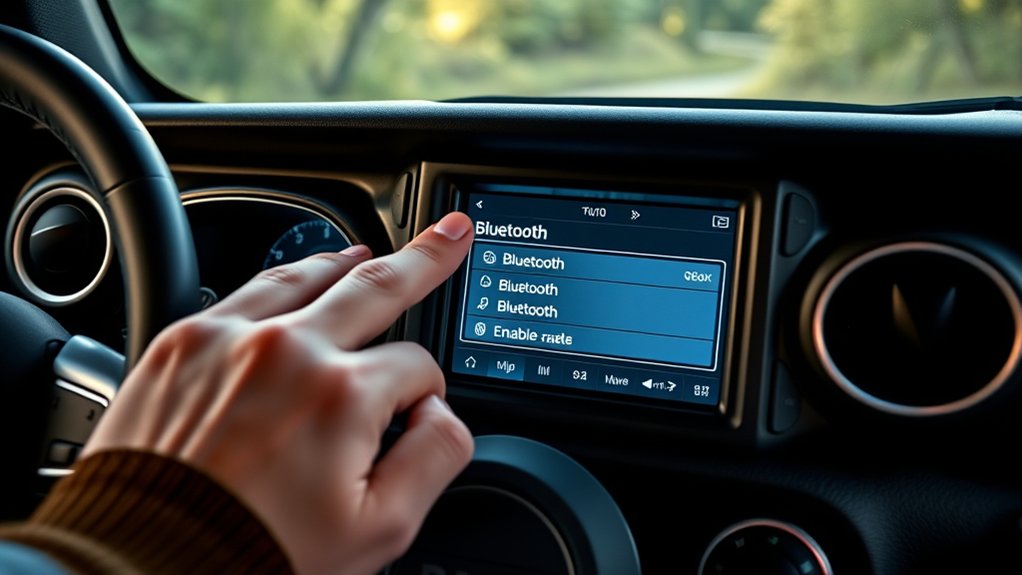
Before you can pair any device, you’ll need to activate Bluetooth on your Jeep Wrangler. Start by turning on the ignition to initiate the vehicle’s electrical systems. Access the Uconnect infotainment system via the touchscreen display.
Navigate to the “Settings” menu, then select “Bluetooth.” If Bluetooth Compatibility is supported on your specific Jeep Wrangler Features package, you’ll see an option to toggle Bluetooth on or off. Tap to activate Bluetooth, which makes your vehicle recognizable to external devices.
Confirm that the system is in “Pairing Mode” to prepare for device connection. If you don’t see Bluetooth options, verify your Wrangler’s model year and trim, as some earlier models may lack integrated Bluetooth Compatibility.
Activating Bluetooth correctly is essential for seamless device pairing and communication.
Pair Your Smartphone With Jeep Wrangler Bluetooth
First, make sure Bluetooth is enabled on your smartphone. Then, access the Jeep Wrangler’s Bluetooth settings through the infotainment system menu.
Follow the prompts to complete the pairing process and establish a secure connection.
Enable Bluetooth On Phone
Although your Jeep Wrangler’s Bluetooth system is ready to connect, you need to activate Bluetooth on your smartphone to begin the pairing process. First, perform a Bluetooth compatibility check to verify your phone supports the Bluetooth version required by the Wrangler.
On your smartphone, access the phone settings adjustment menu and locate the Bluetooth option. Toggle the Bluetooth switch to “On” to activate it. Your phone will then start scanning for available devices.
Keep your phone’s Bluetooth visibility set to “discoverable” to allow the Wrangler system to detect it. Avoid exiting the settings menu to maintain an active connection search.
Once Bluetooth is activated, proceed to pair your phone with the Jeep Wrangler to complete the connection process efficiently.
Access Jeep Wrangler Settings
Once your phone’s Bluetooth is enabled, navigate to your Jeep Wrangler’s infotainment system to begin pairing. Access the main menu, then select “Settings.” Locate the “Bluetooth Settings” option to manage connectivity.
Jeep Wrangler features a user-friendly interface that simplifies this process.
Use the table below to understand key Bluetooth settings:
| Setting | Description | Action Required |
|---|---|---|
| Bluetooth Status | Check if Bluetooth is on | Toggle On if Off |
| Device List | Displays paired devices | Select “Add Device” |
| Visibility | Controls device visibility | Set to “Visible” |
Accessing these settings prepares your Wrangler for the next step: pairing your smartphone efficiently.
Complete Pairing Process
Before pairing your smartphone with your Jeep Wrangler’s Bluetooth, confirm that your phone’s Bluetooth is active and visible. On your Jeep’s infotainment screen, navigate to the Bluetooth menu and select “Add Device” or “Pair New Device.”
Your Jeep will begin searching for nearby Bluetooth devices. On your phone, select “Jeep Wrangler” from the list of available devices. A pairing code will appear on both screens; verify they match to guarantee connection security.
Confirm the pairing request on both devices. Once paired, your phone will automatically connect to the Jeep’s Bluetooth system when in range. This process enables Bluetooth benefits such as hands-free calling and audio streaming, enhancing driving safety and convenience.
If connection fails, restart both devices and repeat the steps.
Stream Music and Manage Calls via Jeep Wrangler Bluetooth
Once you’ve paired your device with the Jeep Wrangler Bluetooth, you can start streaming music directly through the vehicle’s audio system. Use the steering wheel or dashboard Bluetooth controls to play, pause, skip tracks, and adjust volume without needing to handle your phone.
Additionally, manage incoming calls hands-free by answering or ending calls using the integrated controls.
Pairing Your Device
Start by enabling Bluetooth on your smartphone or device and making sure it is detectable. Access your Jeep Wrangler’s infotainment system Bluetooth menu, then select “Add Device.” Your vehicle will scan for nearby devices.
Choose your smartphone from the detected list. If you encounter device connection issues, consult the user manual guidance or perform device reset methods. Verify Bluetooth compatibility features and firmware update processes are current to avoid audio quality concerns.
For enhanced control, consider smartphone app integration. Always follow Bluetooth safety tips to maintain secure connections.
| Step | Action |
|---|---|
| Enable Bluetooth | Turn on Bluetooth and make device visible |
| Pair Device | Select Jeep Bluetooth on your phone |
| Confirm Connection | Verify connection and audio quality |
Using Bluetooth Controls
While connected via Bluetooth, you can easily stream music and manage calls using your Jeep Wrangler’s infotainment controls. To stream audio, select the Bluetooth audio source on the touchscreen or use the steering wheel’s media buttons to play, pause, or skip tracks.
When a call comes in, the system alerts you visually and audibly. Use the voice activation button on the steering wheel to answer, reject, or make calls hands-free, enhancing safety and convenience.
The Bluetooth features integrate seamlessly with your phone’s contact list, allowing you to access recent calls and contacts via the touchscreen. Make certain the microphone and speakers are functioning properly for clear communication.
Utilizing these Bluetooth controls guarantees a connected, distraction-free driving experience.
How to Use Voice Commands With Jeep Wrangler Bluetooth
Using voice commands with your Jeep Wrangler’s Bluetooth system lets you control calls, music, and navigation hands-free. Start with voice command basics by pressing the voice button on the steering wheel, then clearly state commands like “Call [contact name]” or “Play [song/artist].”
For advanced voice commands, say phrases such as “Navigate to [destination]” or “Send text to [contact].” The system processes these commands quickly, keeping your focus on driving.
| Command Type | Example Command | Function |
|---|---|---|
| Voice Command Basics | “Call John” | Initiates phone call |
| Voice Command Basics | “Play Jazz playlist” | Controls music playback |
| Advanced Voice Commands | “Navigate to 123 Main St” | Starts navigation |
| Advanced Voice Commands | “Send text to Sarah” | Composes and sends a message |
Troubleshoot Common Jeep Wrangler Bluetooth Issues
If your Jeep Wrangler’s Bluetooth connection isn’t working properly, you’ll need to identify and resolve common issues such as pairing failures, audio dropouts, or unresponsive voice commands. Start by addressing these key areas:
Check for Bluetooth interference solutions by minimizing nearby wireless devices. Resolve common connection errors through resetting Bluetooth settings on both your phone and vehicle.
Verify device compatibility issues by confirming your phone supports your Wrangler’s Bluetooth version. Improve signal strength problems by ensuring your device is within range and free from obstructions.
Conduct audio quality troubleshooting by adjusting volume settings and inspecting for software conflicts.
Focus on maintaining vehicle software compatibility to prevent disruptions. For persistent problems, consult firmware update guidance, but avoid updating until you review official Jeep recommendations.
Update Your Jeep’s Bluetooth Software
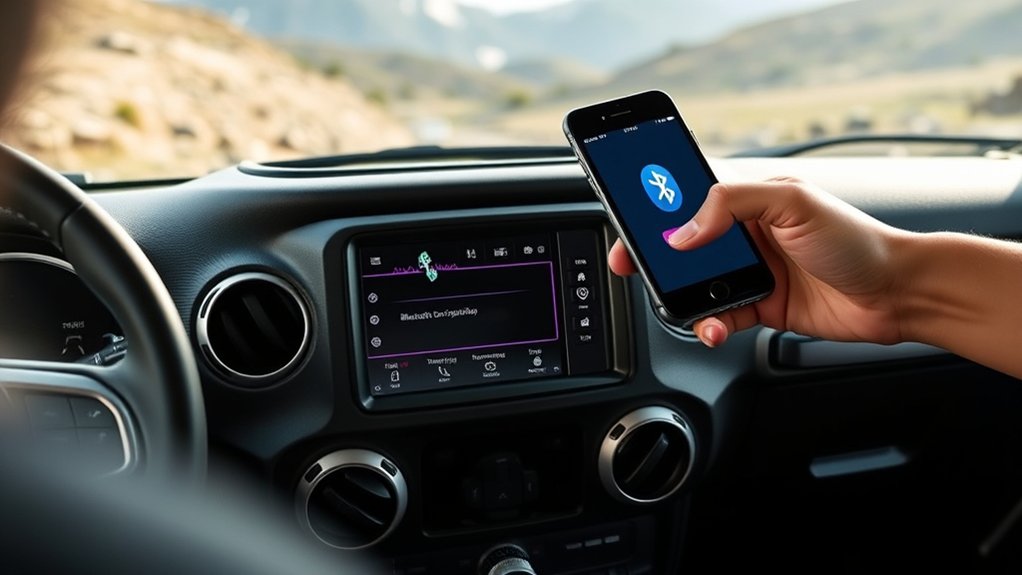
Since Bluetooth performance depends heavily on software compatibility, keeping your Jeep Wrangler’s Bluetooth system updated guarantees ideal connectivity and feature functionality. Start by checking your vehicle’s infotainment system for any available Bluetooth updates.
Navigate to the settings menu, select the software update option, and confirm your vehicle is connected to Wi-Fi or a mobile hotspot. Download and install any pending updates to improve software compatibility with newer devices.
If you prefer, use the Jeep Uconnect website or app to download update files onto a USB drive, then connect it to your Jeep’s USB port to perform the update. Regularly applying Bluetooth updates minimizes connection issues and reveals new features, maintaining seamless integration between your smartphone and Jeep Wrangler’s system.
Tips to Maintain Your Jeep Wrangler Bluetooth Connection
Although modern Bluetooth systems are designed for ease of use, maintaining a stable connection in your Jeep Wrangler requires regular attention to several key factors. To guarantee peak performance, apply these Bluetooth maintenance tips and connection stability strategies consistently.
Keep your device’s Bluetooth firmware and your Jeep’s infotainment system updated to prevent compatibility issues. Minimize interference by avoiding other wireless devices near your Jeep while connected.
Ensure Bluetooth firmware and Jeep infotainment updates while minimizing nearby wireless interference for seamless connections.
Regularly clear paired device lists in your Jeep’s system to eliminate redundant connections. Confirm your phone’s Bluetooth is set to visible and actively connected when entering your vehicle.
Restart your infotainment system and phone periodically to refresh connection protocols.
Frequently Asked Questions
Can I Connect Multiple Devices to Jeep Wrangler Bluetooth Simultaneously?
You can’t connect multiple devices simultaneously due to device pairing limitations in Jeep Wrangler Bluetooth connectivity options.
You can only pair multiple devices but must switch between them manually for audio or call functions.
Does Jeep Wrangler Bluetooth Support Android Auto and Apple Carplay?
Yes, Jeep Wrangler Bluetooth features support smartphone compatibility with both Android Auto and Apple CarPlay. You can easily connect your phone to access navigation, music, and calls through the vehicle’s infotainment system.
How Do I Disconnect a Device From Jeep Wrangler Bluetooth?
To disconnect devices from your Jeep Wrangler Bluetooth, access the Uconnect system’s Bluetooth menu, select the paired device, and choose “Delete” or “Disconnect.”
This helps with troubleshooting issues by clearing conflicting connections efficiently.
Is Jeep Wrangler Bluetooth Compatible With Third-Party Music Apps?
Like a bridge connecting islands, Jeep Wrangler’s Bluetooth functionality supports music app compatibility, letting you stream third-party apps seamlessly.
Confirm your phone’s Bluetooth is enabled and paired correctly for smooth audio playback through the vehicle’s system.
Can I Use Jeep Wrangler Bluetooth for Hands-Free Texting?
Yes, you can use Jeep Wrangler Bluetooth for hands-free texting. Its safety features enable voice commands to send and receive texts, while text notifications alert you discreetly, ensuring you stay connected without compromising driving focus.
Conclusion
Connecting your Jeep Wrangler’s Bluetooth is like tuning a high-performance engine—once dialed in, everything runs smoothly. Just as a well-maintained engine boosts your ride, enabling Bluetooth enhances your driving experience by keeping calls clear and music flowing.
By following these steps and troubleshooting tips, you’ll guarantee your connection stays strong, avoiding those frustrating drops. Remember, a quick software update is like a tune-up—essential for peak performance.
For the best results, always keep your devices updated and refer back to your Jeep Wrangler Bluetooth settings when needed. This will ensure a reliable and enjoyable connection every time you connect to Jeep Wrangler Bluetooth.